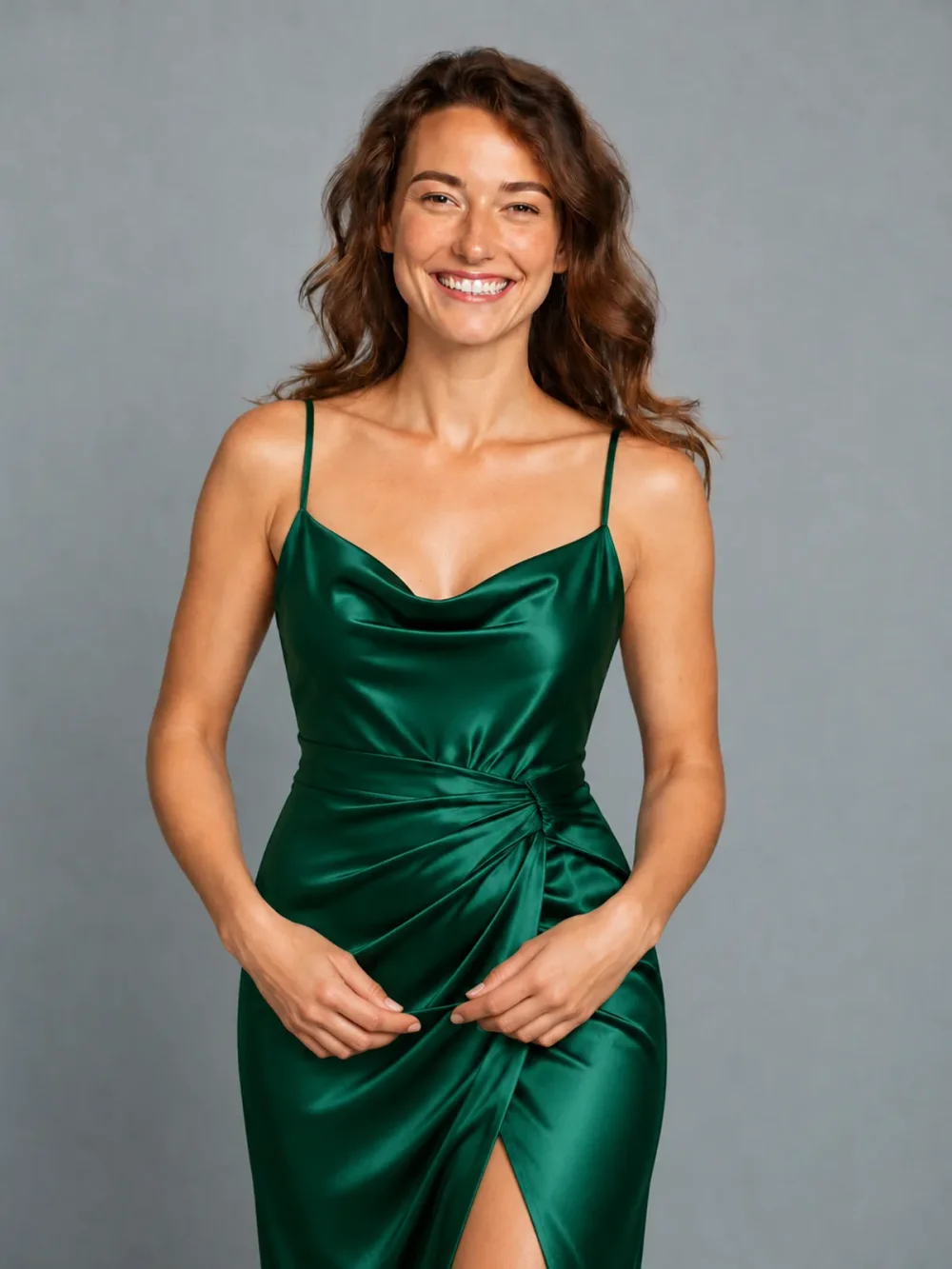
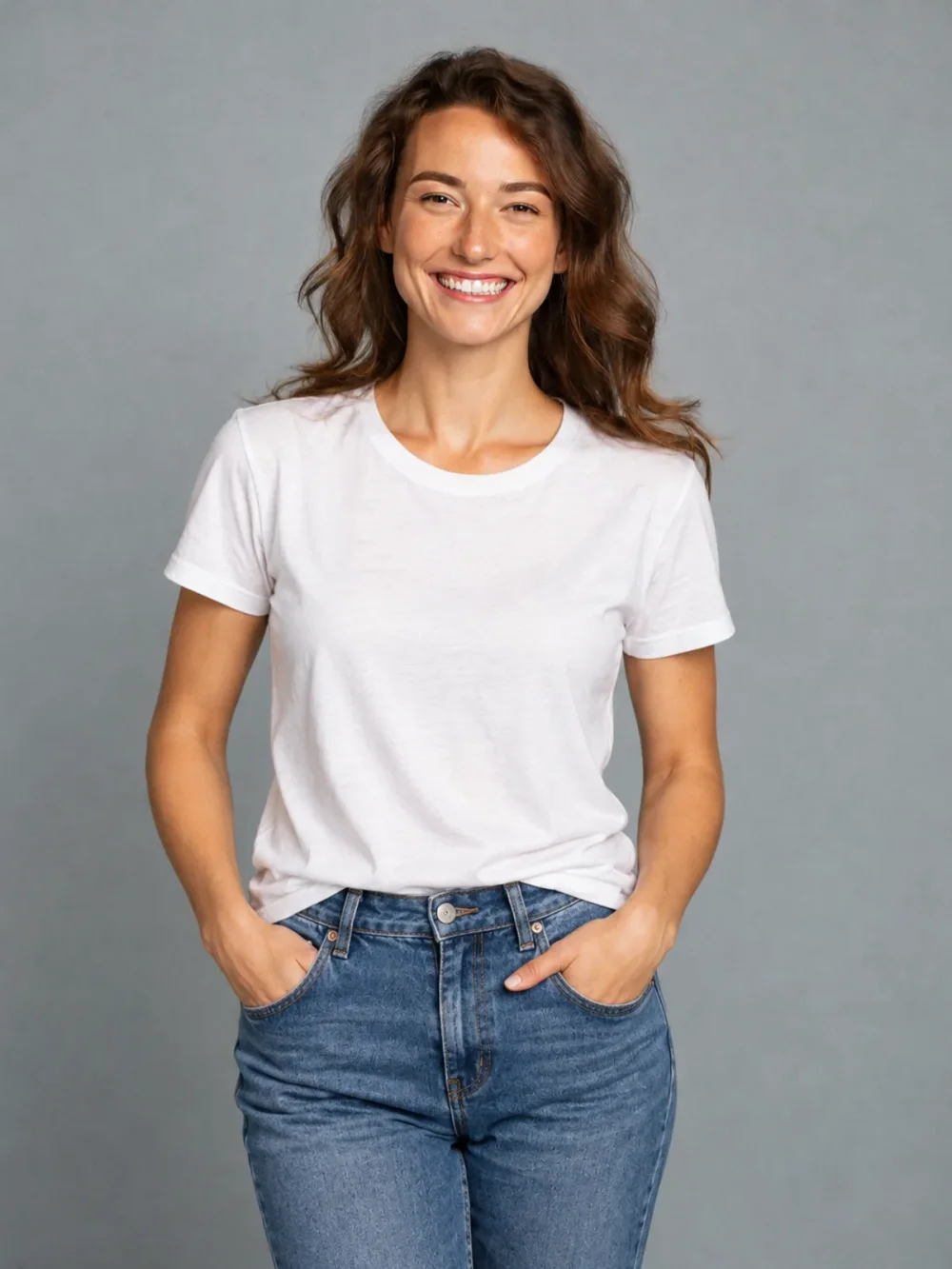
Everyday to evening
↗A simple tee, reimagined as an emerald satin dress.
Build a whole new mood around your existing portrait. Our AI outfit changer helps you explore coordinated clothing and accessories without organizing a new photo shoot or editing each item by hand.
Everyday to evening
Drag the slider to compare ↔External reference examples, not results generated by this application. Your result may differ.Upload your portrait and one outfit reference. Choose the clothing you want to see on yourself.
Open the AI Outfit Changer tool ↗Use a clear product photo or a fully clothed adult wearing the item. We use the selected item’s design, color and details, while keeping your identity.
Same portrait. A fresh perspective.
Drag the sliders to see the difference.
A simple tee, reimagined as an emerald satin dress.
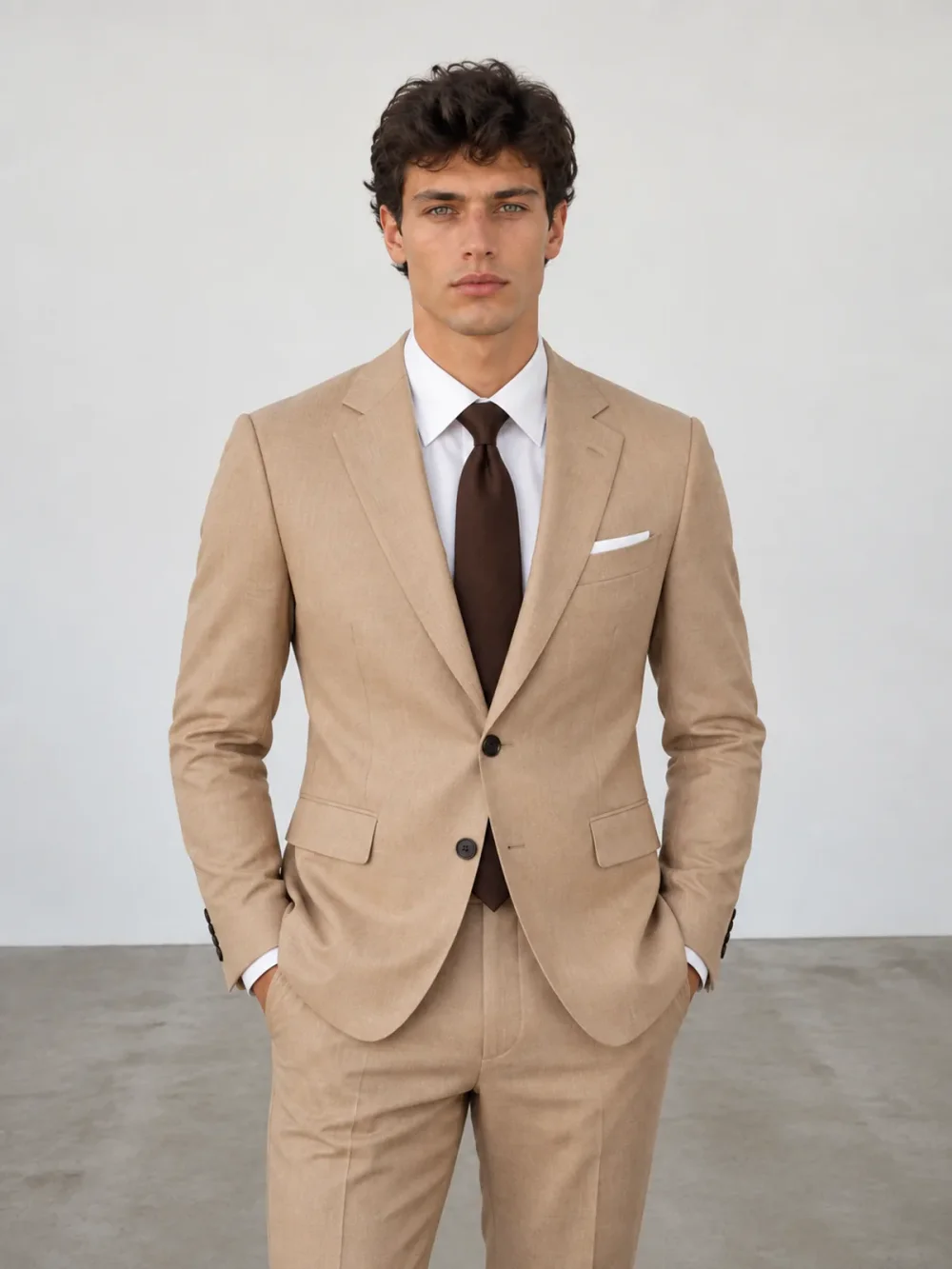
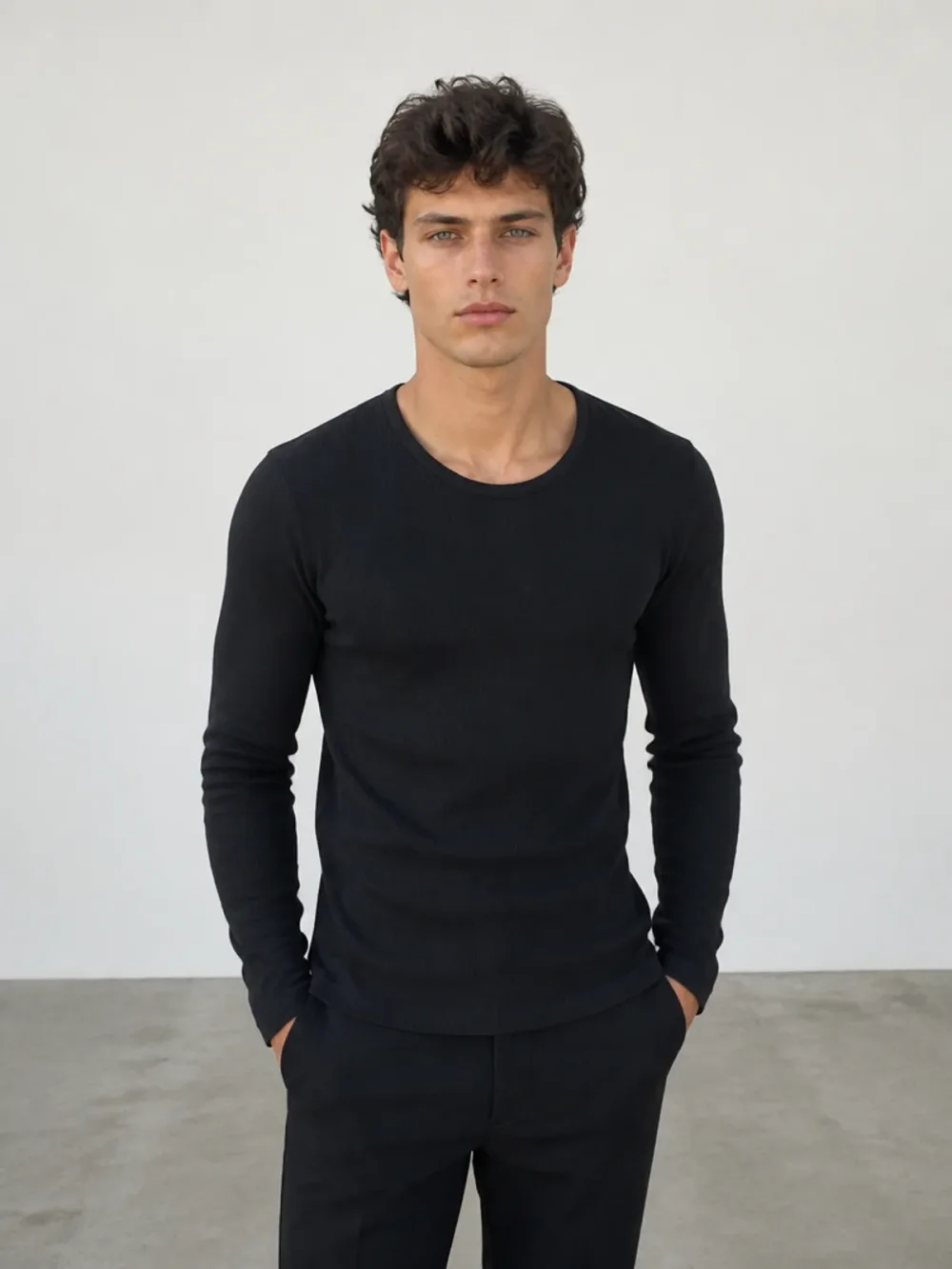
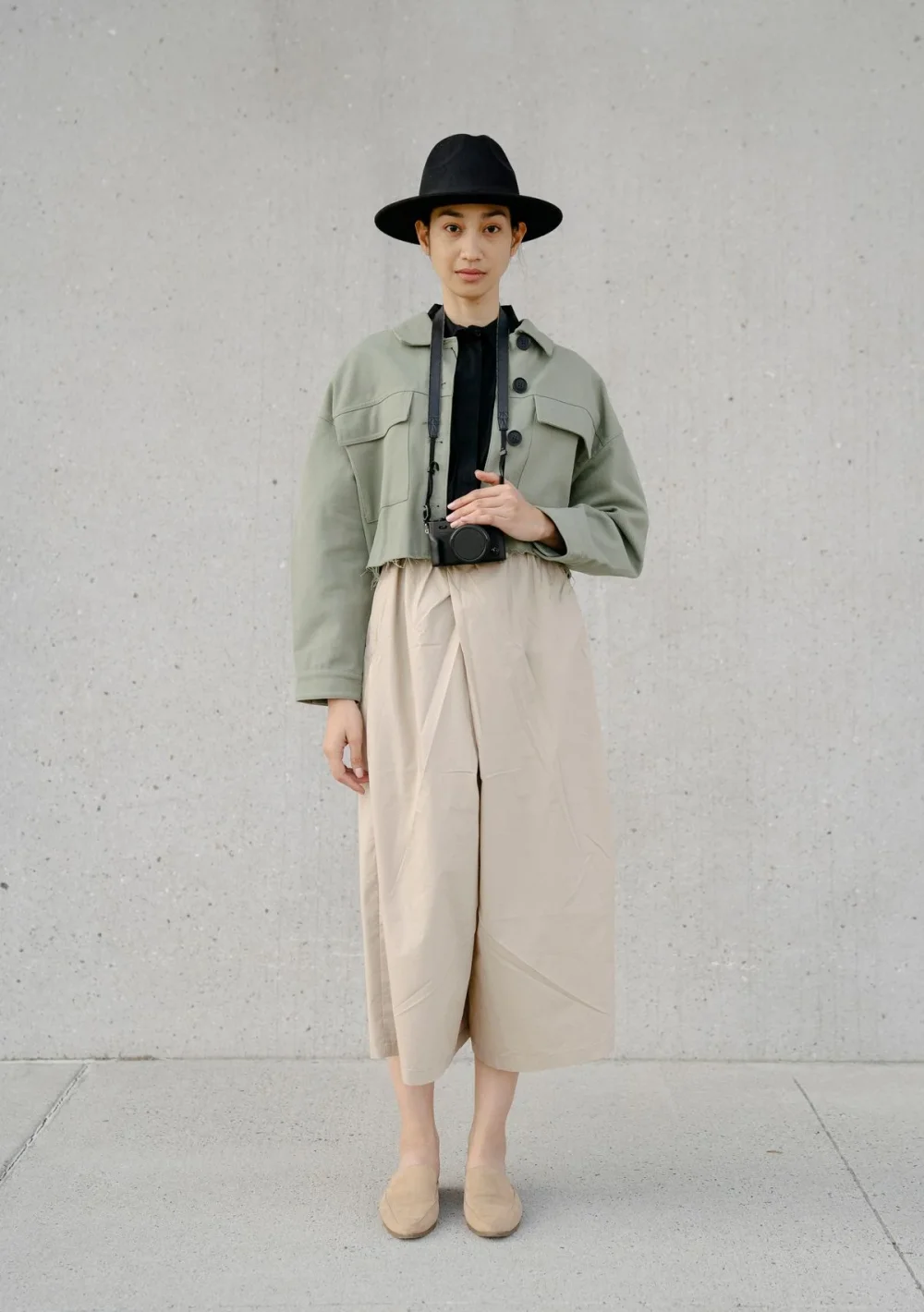
From a black top to a considered, tailored look.
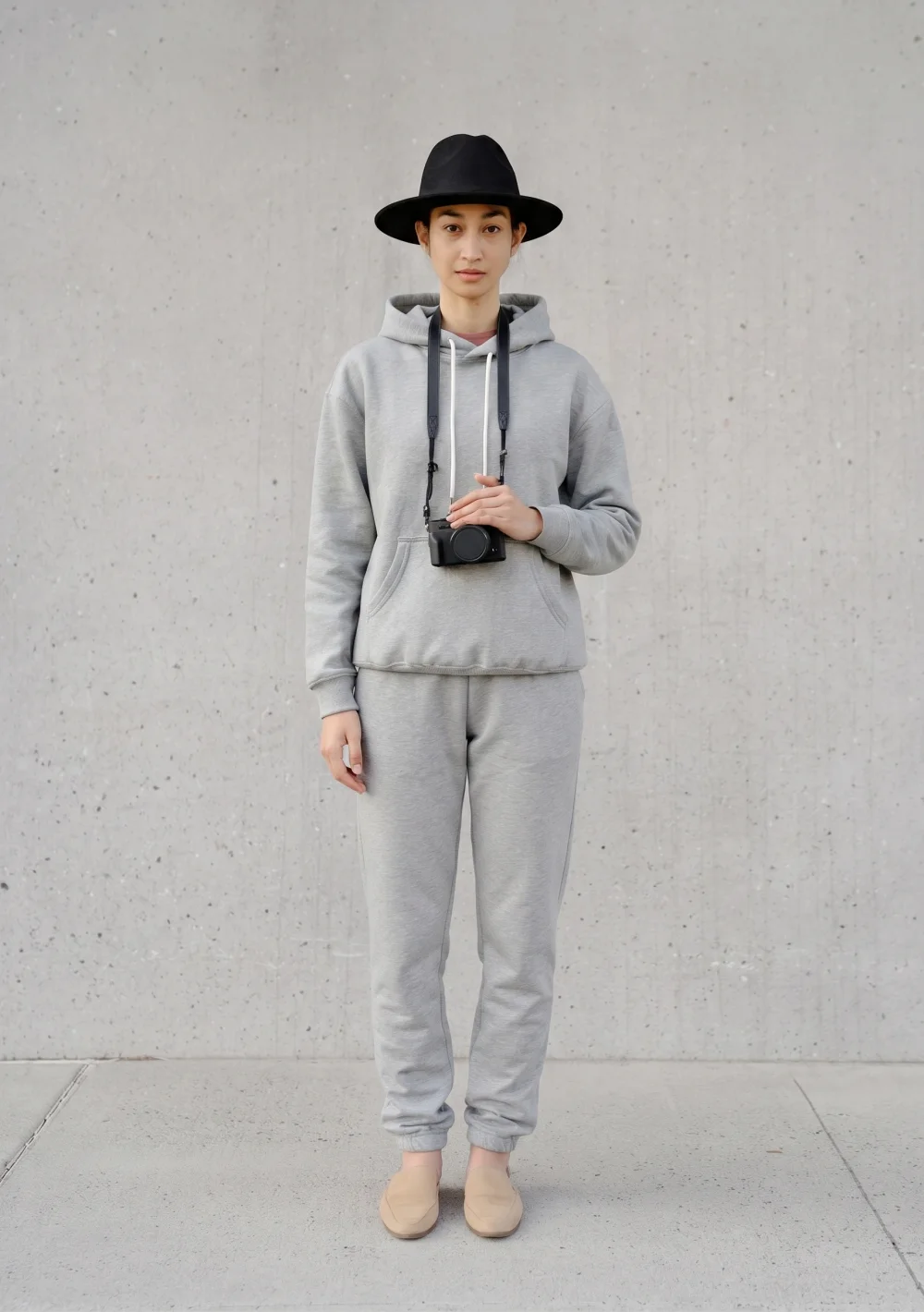
A relaxed grey tracksuit. A fresh everyday mood.
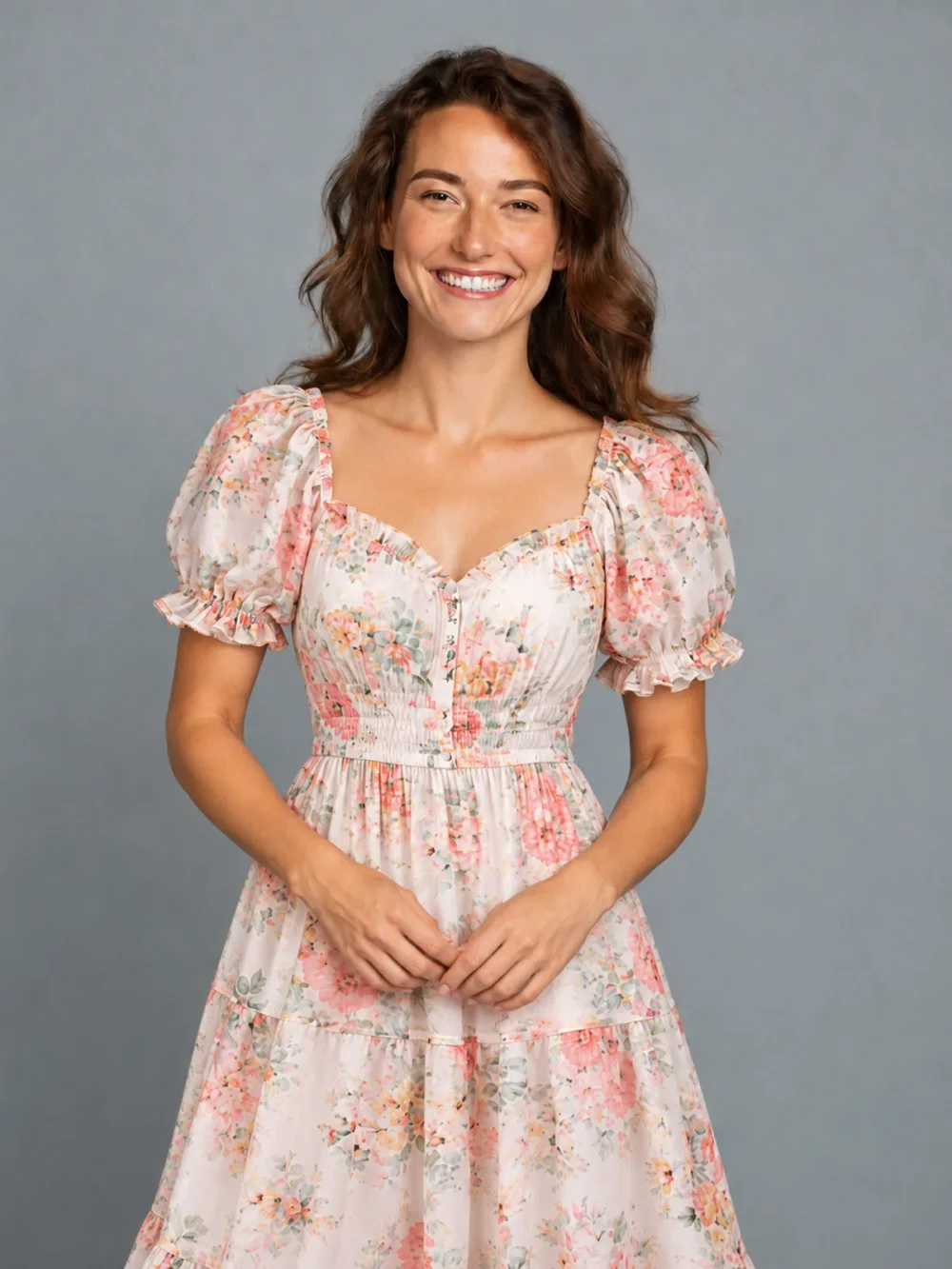
Swap an everyday tee for a light floral dress.
External style examples for comparison. Results from your own photo will vary.
Build a whole new mood around your existing portrait. Our AI outfit changer helps you explore coordinated clothing and accessories without organizing a new photo shoot or editing each item by hand.
Start with an everyday outfit, switch to modern tailoring or combine a new clothing style with shoes and a bag. The same portrait guides your face, pose and setting while the requested styling changes. Results are creative suggestions for your next look, rather than exact product reproductions.
An outfit is more than its main garment. A jacket, a hairstyle, a bag and a pair of shoes can work together to change the mood of the same portrait. Use Outfit to describe the clothing direction, and enable Also change hairstyle only when a haircut is part of your experiment. Upload a reference that makes the clothing relationships easy to understand, such as one complete outfit rather than several unrelated product tiles. The request should keep your face, proportions and surroundings while applying only the selected styling. You decide whether this is one small change or a broader coordinated direction.
The first upload is always the adult whose portrait you want to edit. The second upload explains the clothes and accessories, even when those items are worn by another consenting adult. That reference person is not the identity to reproduce. Choose a picture with visible garment edges and reasonably similar framing to your own portrait. If a detail is central to your idea, such as a collar or patterned fabric, make sure it is large enough to see. Blurred thumbnails and overlapping accessories leave much more room for interpretation.
Start with Outfit and a reference showing the clothing you want to try. If you want a different haircut too, enable Also change hairstyle and choose a cut from the photographed collection; no additional hair upload is needed. Leave that switch off when the original hair should remain familiar. Shoes, Bag and Pants are separate tabs for focused item experiments, rather than extra checkboxes in the outfit form. For a clean comparison, vary one combination at a time and keep the same portrait throughout the session.
A coordinated image can make it easier to see whether a style direction appeals to you, but AI can simplify patterns, change hems or create imperfect straps and fingers. Move the comparison slider over the entire outfit before saving. This is personal entertainment and visual inspiration, not a professional fitting or an exact reconstruction of a retail product. Once you like the still, download it privately or create a turnaround GIF as a separate action. The animation aims to preserve the chosen combination, although movement and unseen garment details may vary.
No. The outfit reference and optional selected haircut are interpreted together in one still image. This helps you review the complete combination in a single portrait rather than assembling several independent edits afterward.
An outfit still costs 10 credits with or without the optional hairstyle change. The later GIF action costs 30 additional credits. The cost is displayed before you submit a request.
Yes. Keep Also change hairstyle switched off in Outfit. Enable it only when you want to choose a different haircut from the photo collection.
Prepare your portrait and one image containing the clothing or accessories you want to use. Haircut selections come from the built-in photo collection. The current studio does not accept a separate uploaded product picture for every category.
Yes. Every account gets 10 free credits daily without a payment card. That covers a combined still at the current image cost. Unused daily credits expire at 00:00 UTC.
Animation has to interpret movement and surfaces not visible in the original photo. Fabric patterns or accessories can vary across frames. Treat it as a playful continuation of the approved look, rather than a verified three-dimensional garment model.