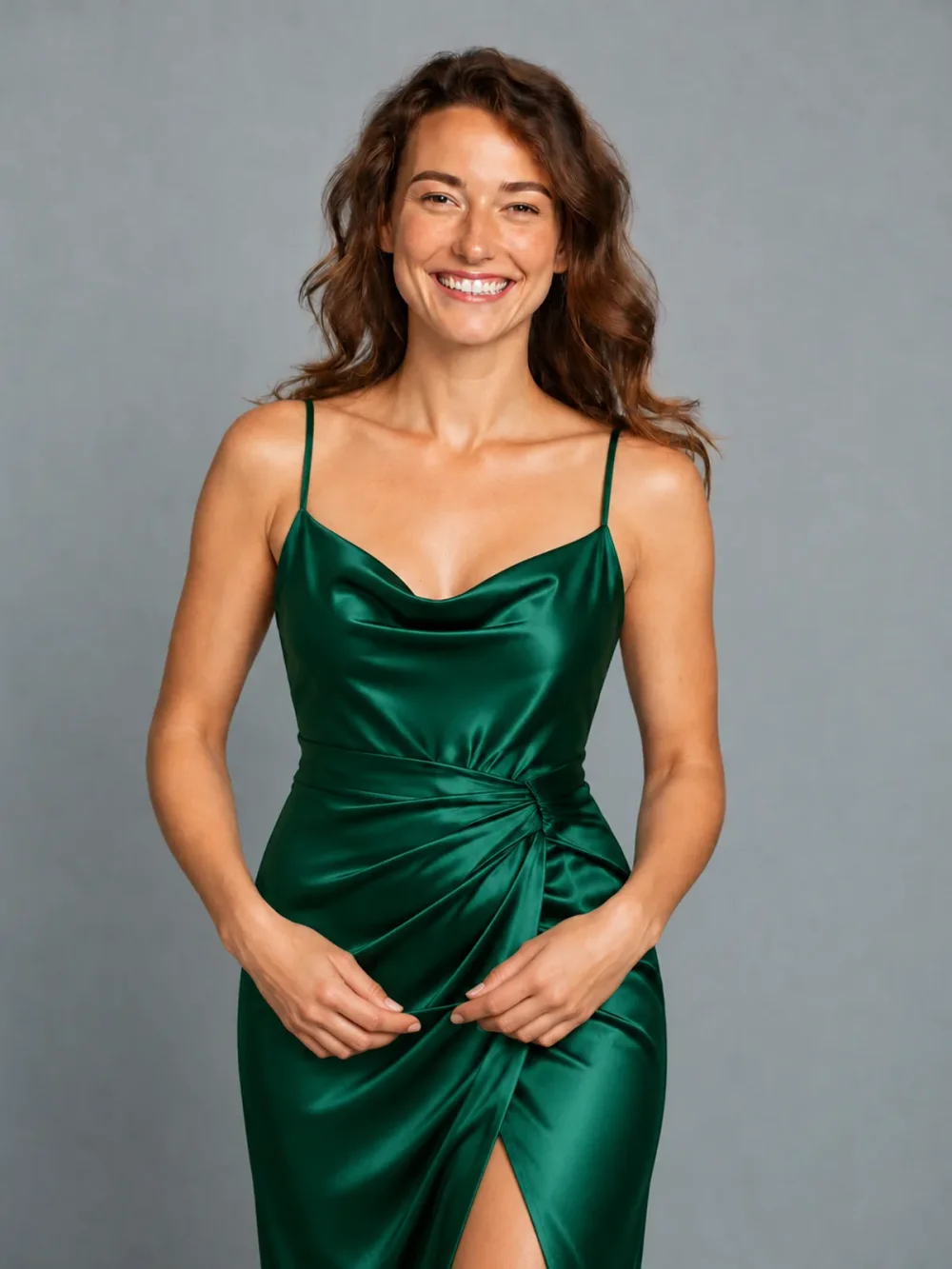
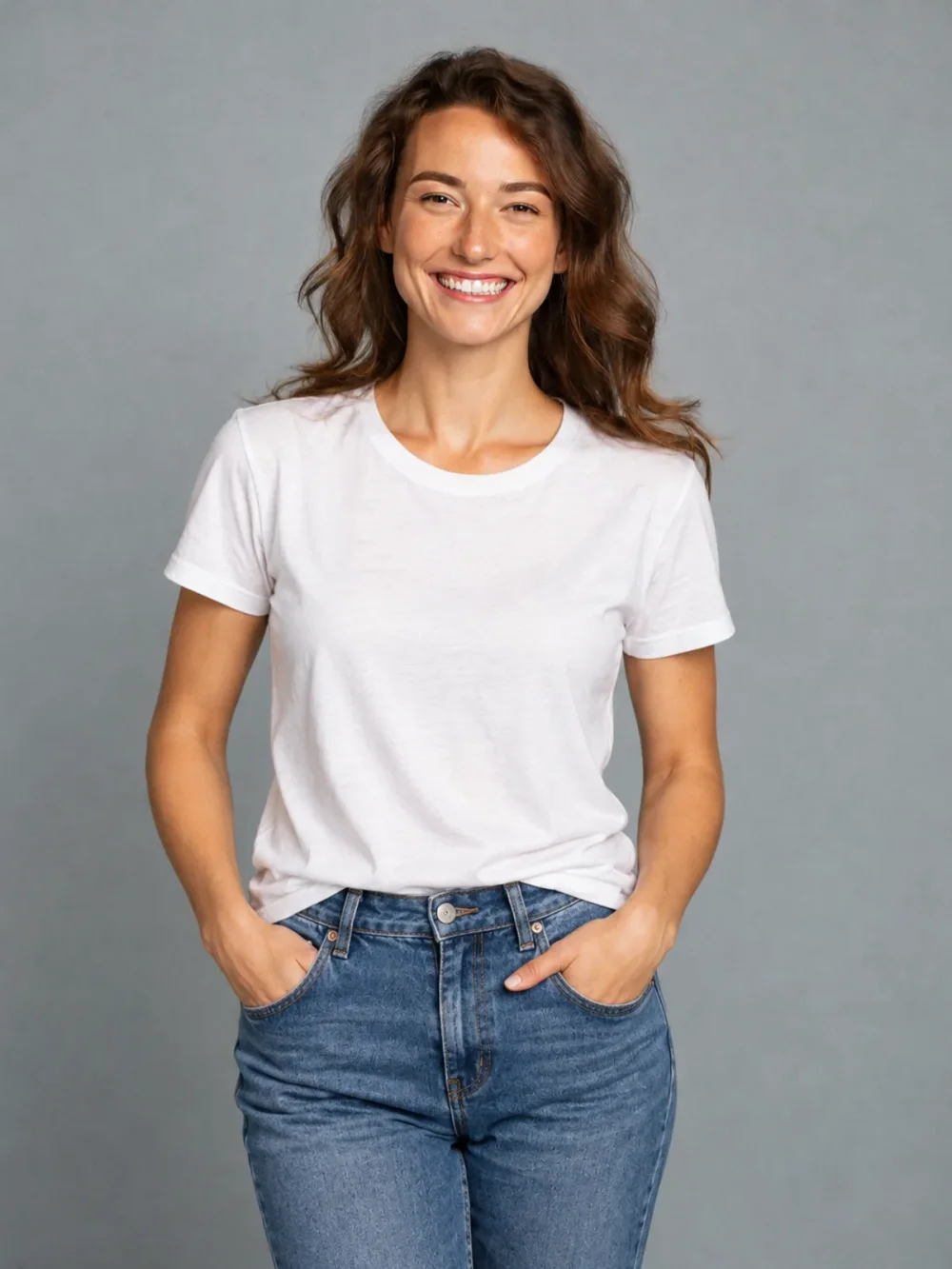
Everyday to evening
↗A simple tee, reimagined as an emerald satin dress.
See a fresh outfit on your own photo before you change your wardrobe. Explore a tailored look, relaxed weekend layers or an evening style with a virtual try on designed for personal inspiration.
Everyday to evening
Drag the slider to compare ↔External reference examples, not results generated by this application. Your result may differ.Upload your portrait and one outfit reference. Choose the clothing you want to see on yourself.
Open the AI Outfit Changer tool ↗Use a clear product photo or a fully clothed adult wearing the item. We use the selected item’s design, color and details, while keeping your identity.
Same portrait. A fresh perspective.
Drag the sliders to see the difference.
A simple tee, reimagined as an emerald satin dress.
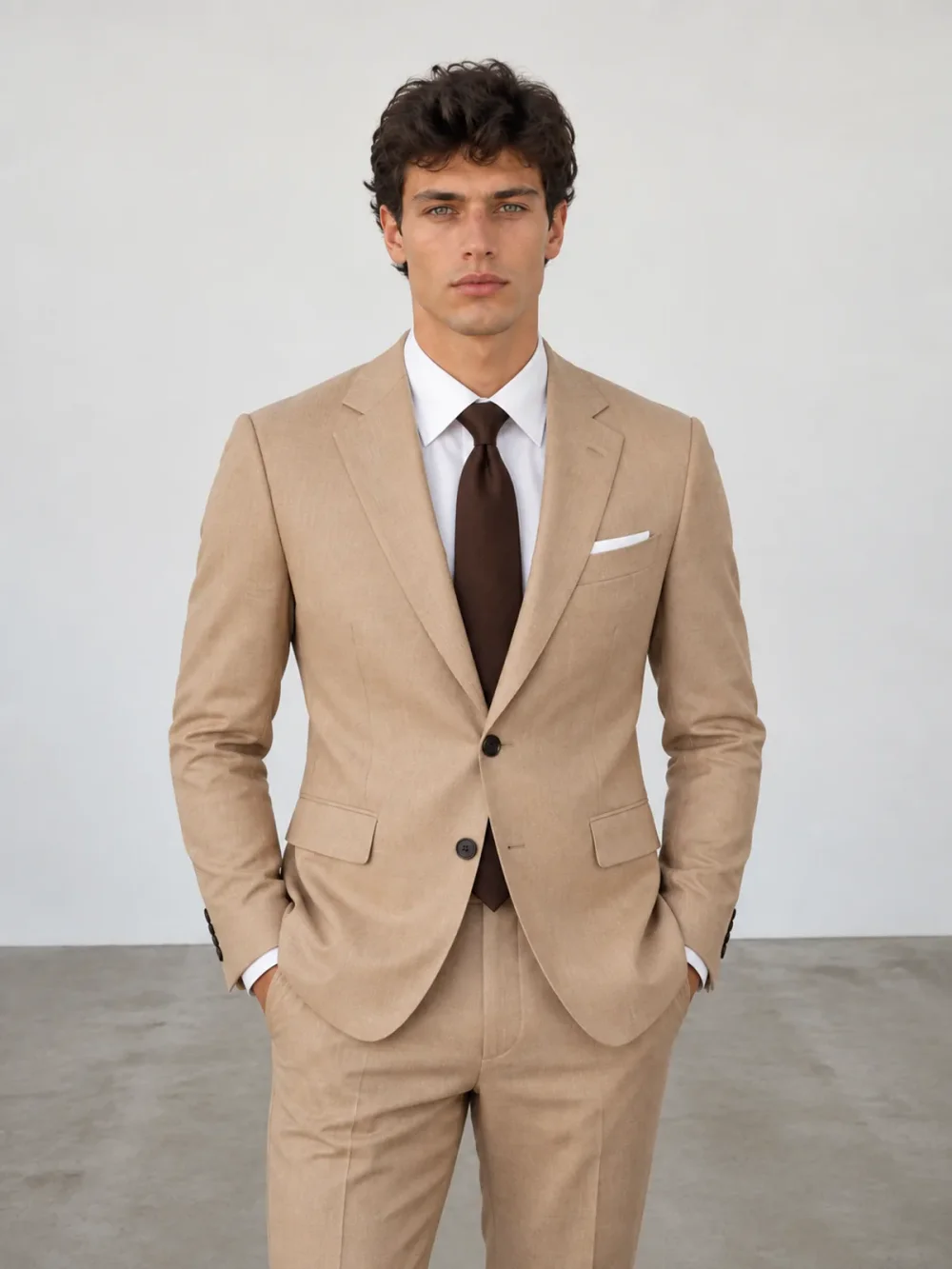
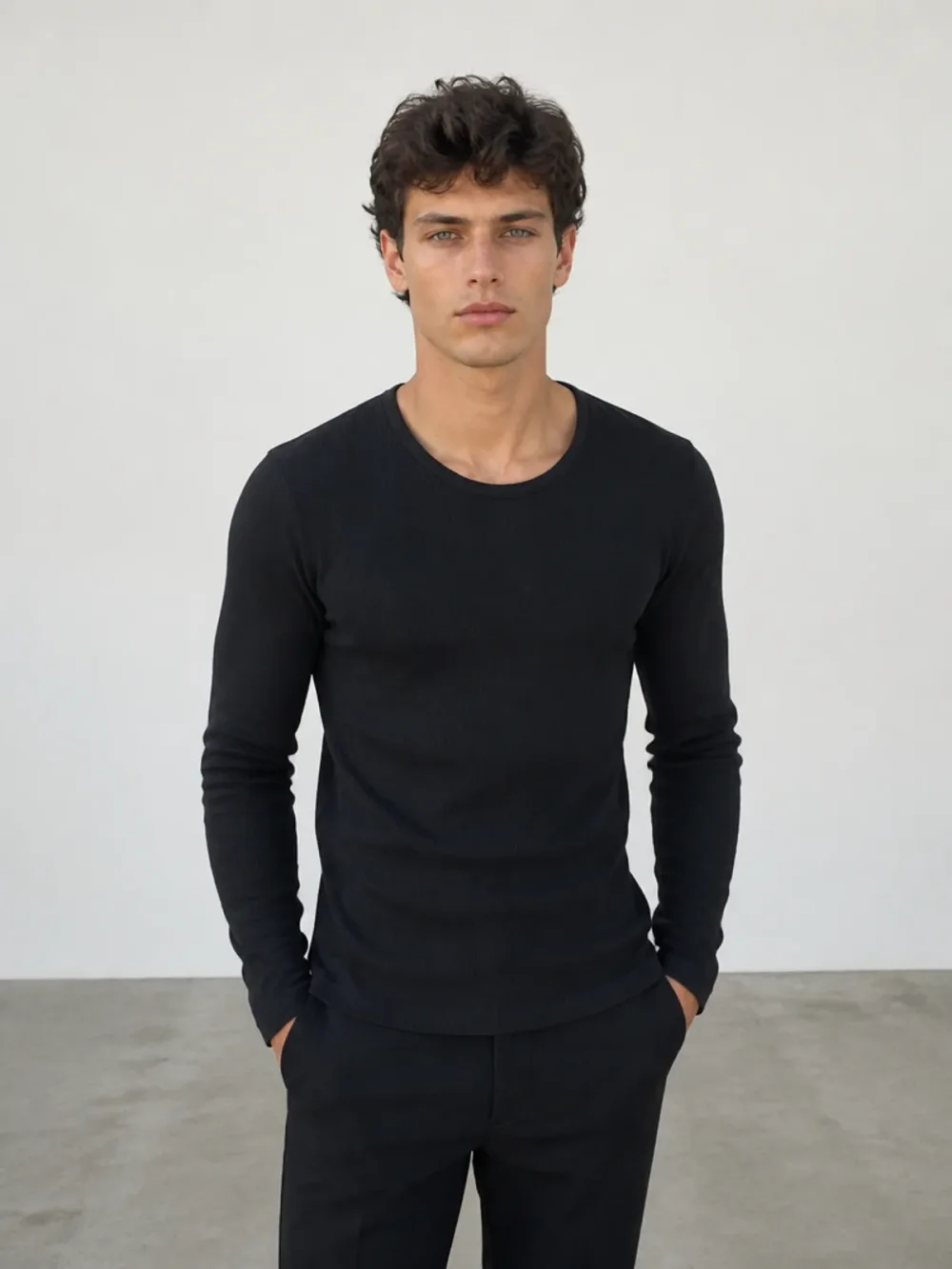
From a black top to a considered, tailored look.
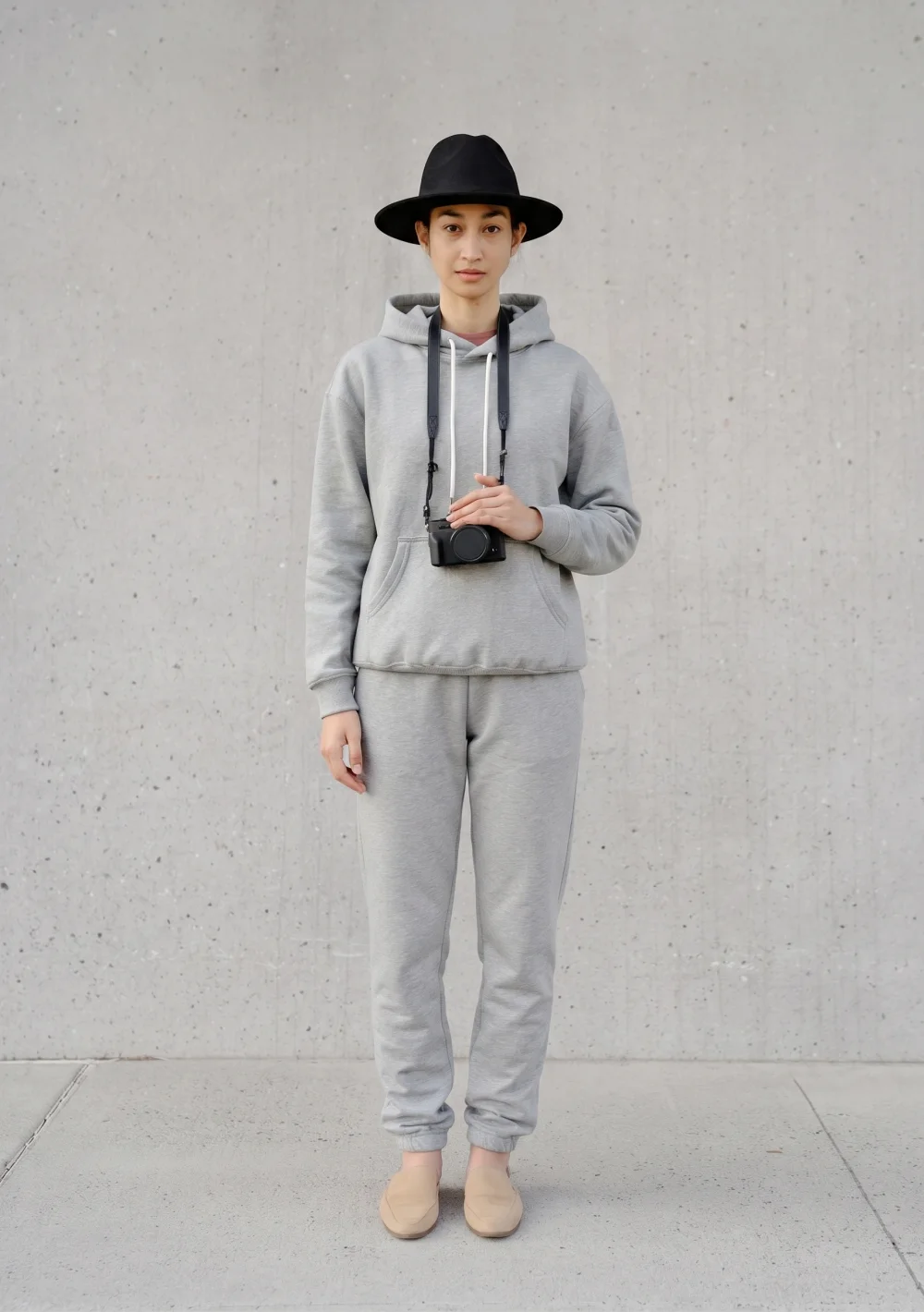
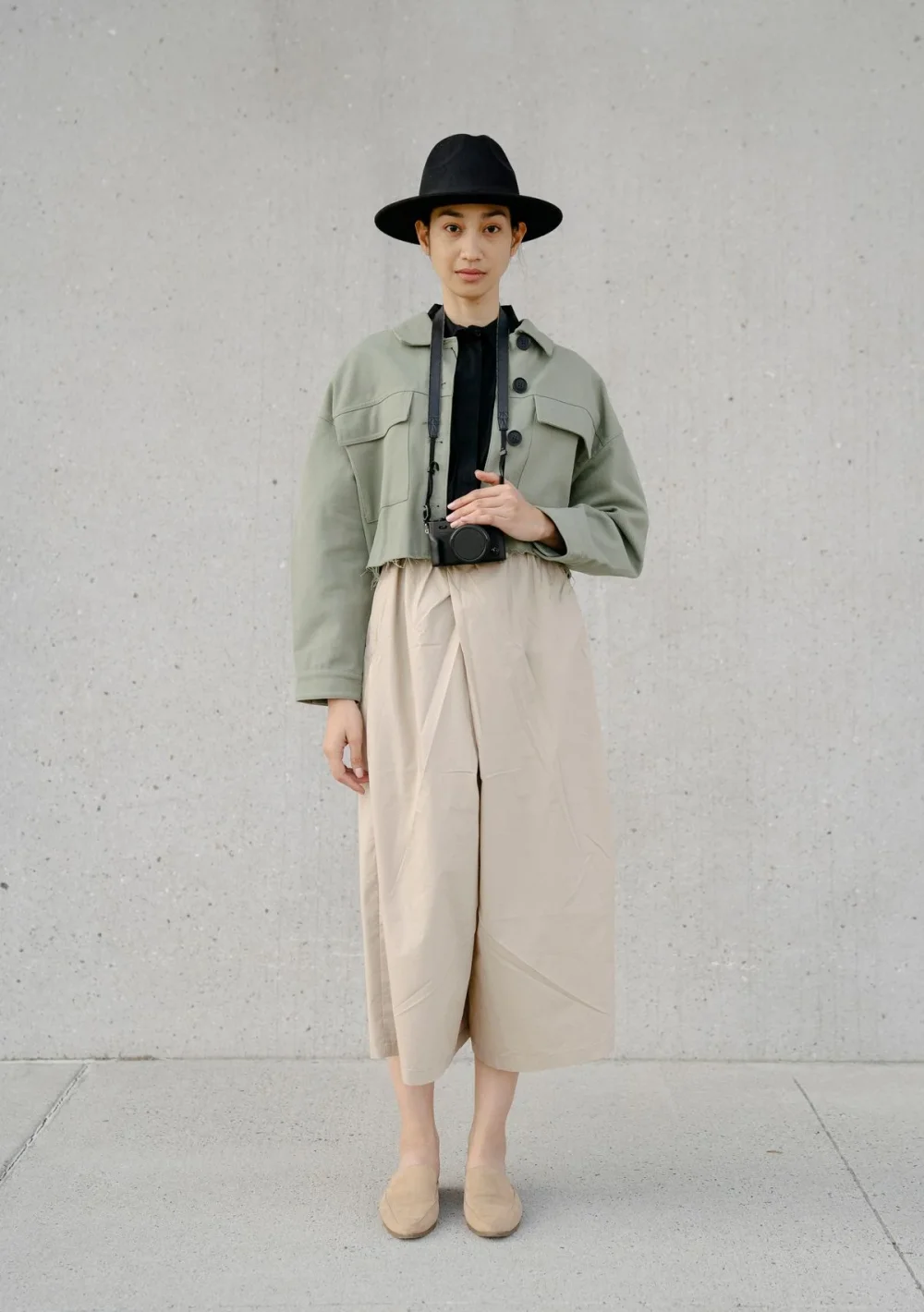
A relaxed grey tracksuit. A fresh everyday mood.
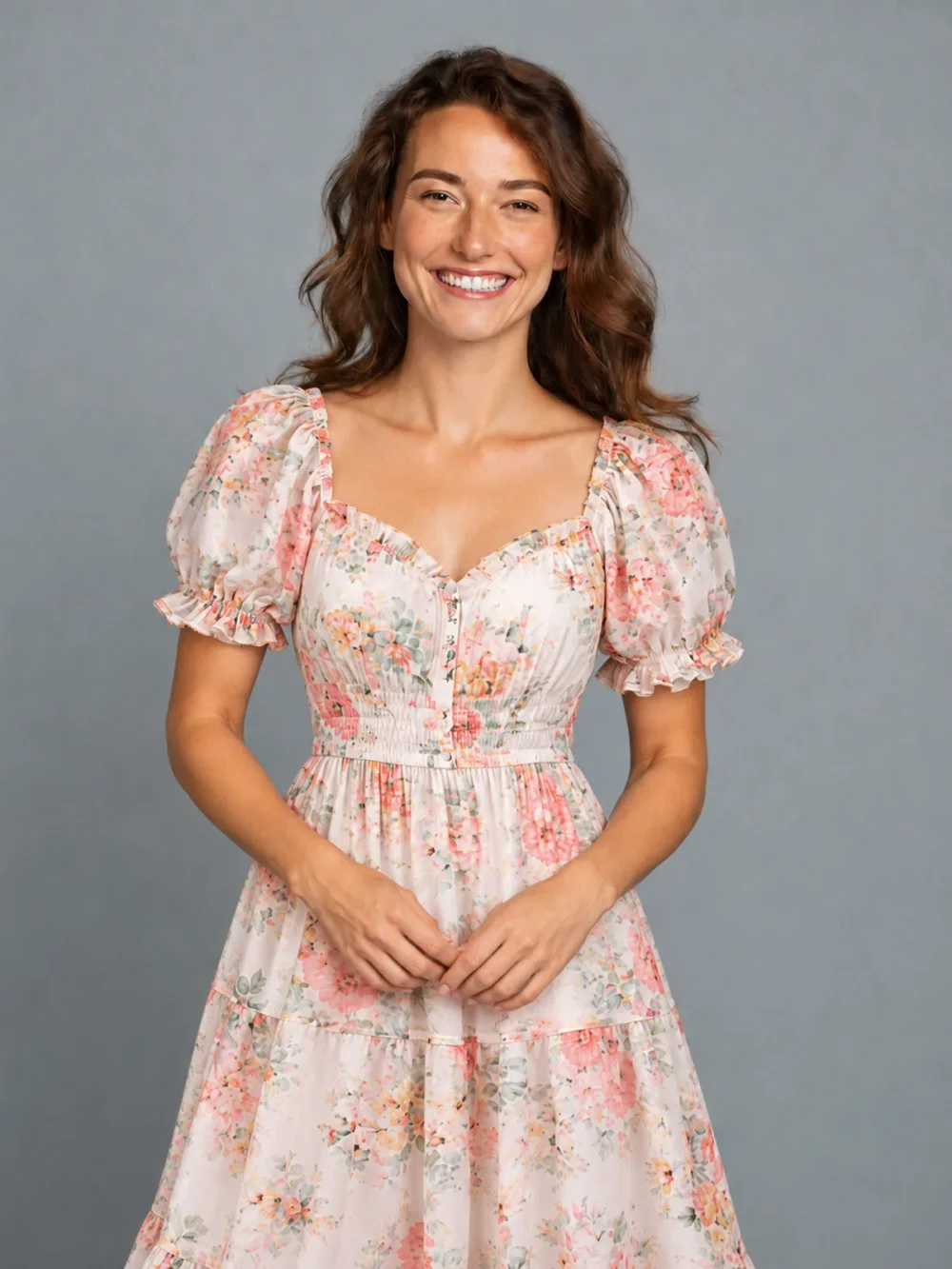
Swap an everyday tee for a light floral dress.
External style examples for comparison. Results from your own photo will vary.
See a fresh outfit on your own photo before you change your wardrobe. Explore a tailored look, relaxed weekend layers or an evening style with a virtual try on designed for personal inspiration.
This experience creates an interpretation of an outfit on your portrait. It does not measure your body, predict a clothing size or promise an exact retail fit. Use a clear photo to explore a visual idea, then keep the results that feel most like you.
A reference can be a product photograph, a saved wardrobe image or a fully clothed adult wearing something you admire. Choose a picture where the garment is easy to distinguish from its surroundings. A front view generally gives the model more useful information than a folded item or a busy collage. Your portrait supplies the person, while the reference supplies the clothing direction. This separation lets you explore how an unfamiliar shape or color might feel in the context of your own photo, rather than imagining it on somebody else.
Think about what the picture actually shows. A jacket needs visible shoulders and a torso; trousers and footwear need legs and feet inside the frame. If your hands cover the front of a shirt, fine details may be difficult to reconstruct. Start with soft daylight, a relaxed stance and a plain background. Keep the same starting portrait when comparing several options so lighting and perspective do not distract from the clothing difference. You can choose both files before signing in, then create an account when you are ready to request an image.
Inspect the finished image with the before-and-after slider. Look at the neckline, sleeve length, hem, fabric pattern and the boundary between clothes and skin. The result can help you discover a mood you like, but it does not measure your body or calculate how a real item will drape. AI may reinterpret stitching, texture or color. A preview cannot confirm a retail size, fabric quality or an exact product match. Use actual measurements and the seller’s information for a purchasing decision, and use this space for creative personal experimentation.
Outfit, Hat, Bag, Shoes and Pants accept your clothing or accessory reference. Hairstyle uses a photographed haircut selection instead of a second user upload. For a complete clothing look, use Outfit with a reference showing the combination clearly. Its optional hair switch adds a photographed haircut to the same request. A finished still can be saved privately, downloaded to a computer or opened through a temporary phone download code. You can also request an optional turnaround GIF after checking the still. Its unseen side and back details are interpretations, so motion adds another perspective rather than proving a garment’s physical fit.
No. The preview interprets clothing visually on a photograph. It does not take body measurements or recommend a retail size. Check the real item’s measurements separately before deciding whether to buy it.
Yes, if you have permission to use it. Choose a clear view of the garment, ideally against a simple background. Avoid an image where several overlapping items make the intended piece hard to identify.
Only if the items need it. A visible upper body can work for a jacket or hat, while pants and shoes need the relevant body area in the frame. The tool cannot reliably show footwear outside the original crop.
An account receives 10 daily credits, enough for one 10-credit still. Daily credits reset at midnight UTC. No card is required; free results include the service watermark.
The optional 30-credit GIF asks for a slow turnaround. A single reference cannot document every surface, so side and rear details are inferred. Check the still before choosing animation.
A failed generation or blocked result returns its credit reservation automatically. Inputs and outputs must pass adult-content and minor screening. Only use fully clothed, consenting adults; clothing removal and body-shape changes are unsupported.