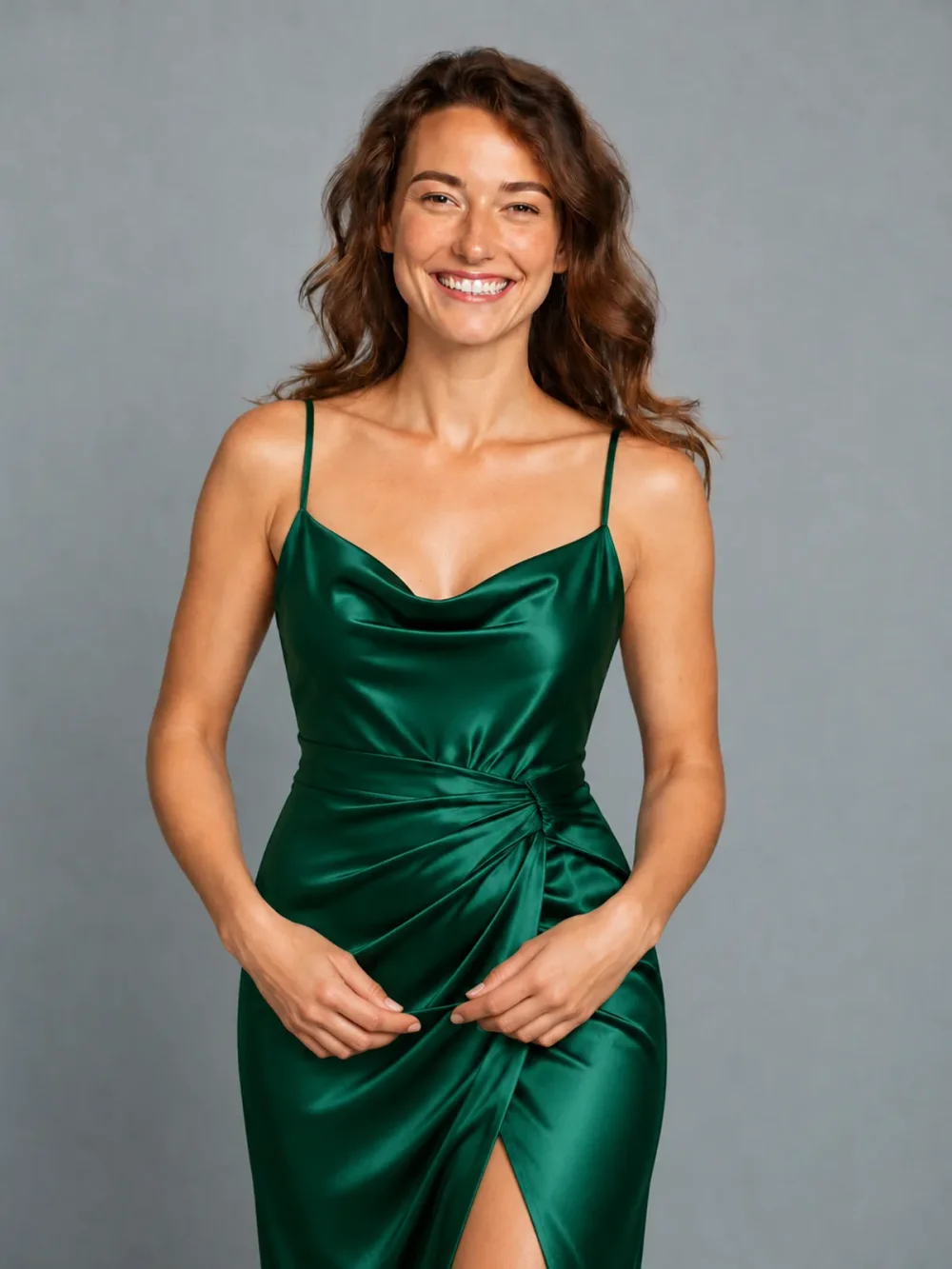
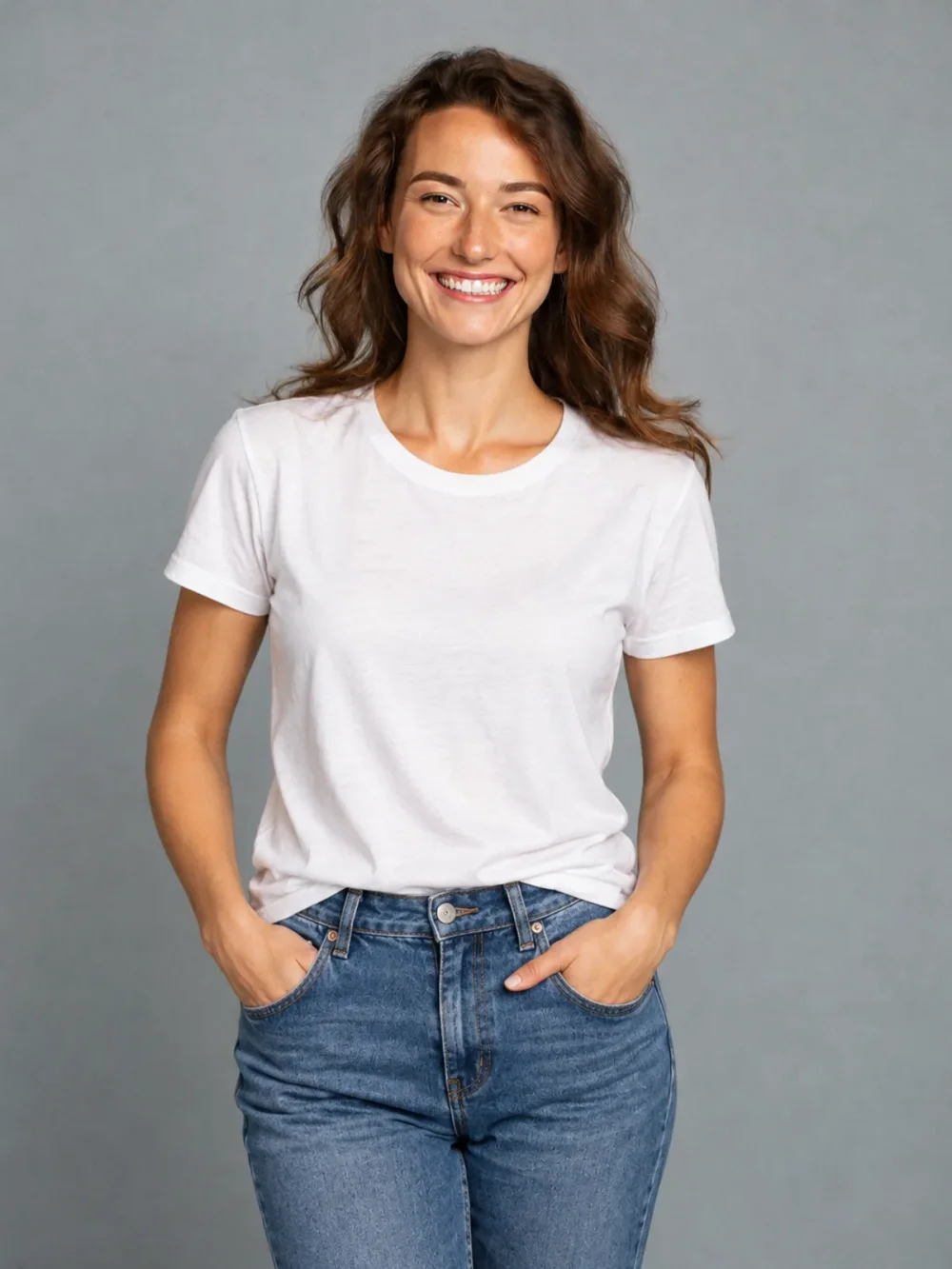
Everyday to evening
↗A simple tee, reimagined as an emerald satin dress.
A new look. Still you.
That look you’ve been thinking about? Try it on.
Explore outfits, hair and accessories with your photo and a reference.
See the switch.
Drag the slider to reveal your next look ↔Upload your portrait and one outfit reference. Choose the clothing you want to see on yourself.
Open the AI Outfit Changer tool ↗Use a clear product photo or a fully clothed adult wearing the item. We use the selected item’s design, color and details, while keeping your identity.
Same portrait. A fresh perspective.
Drag the sliders to see the difference.
A simple tee, reimagined as an emerald satin dress.
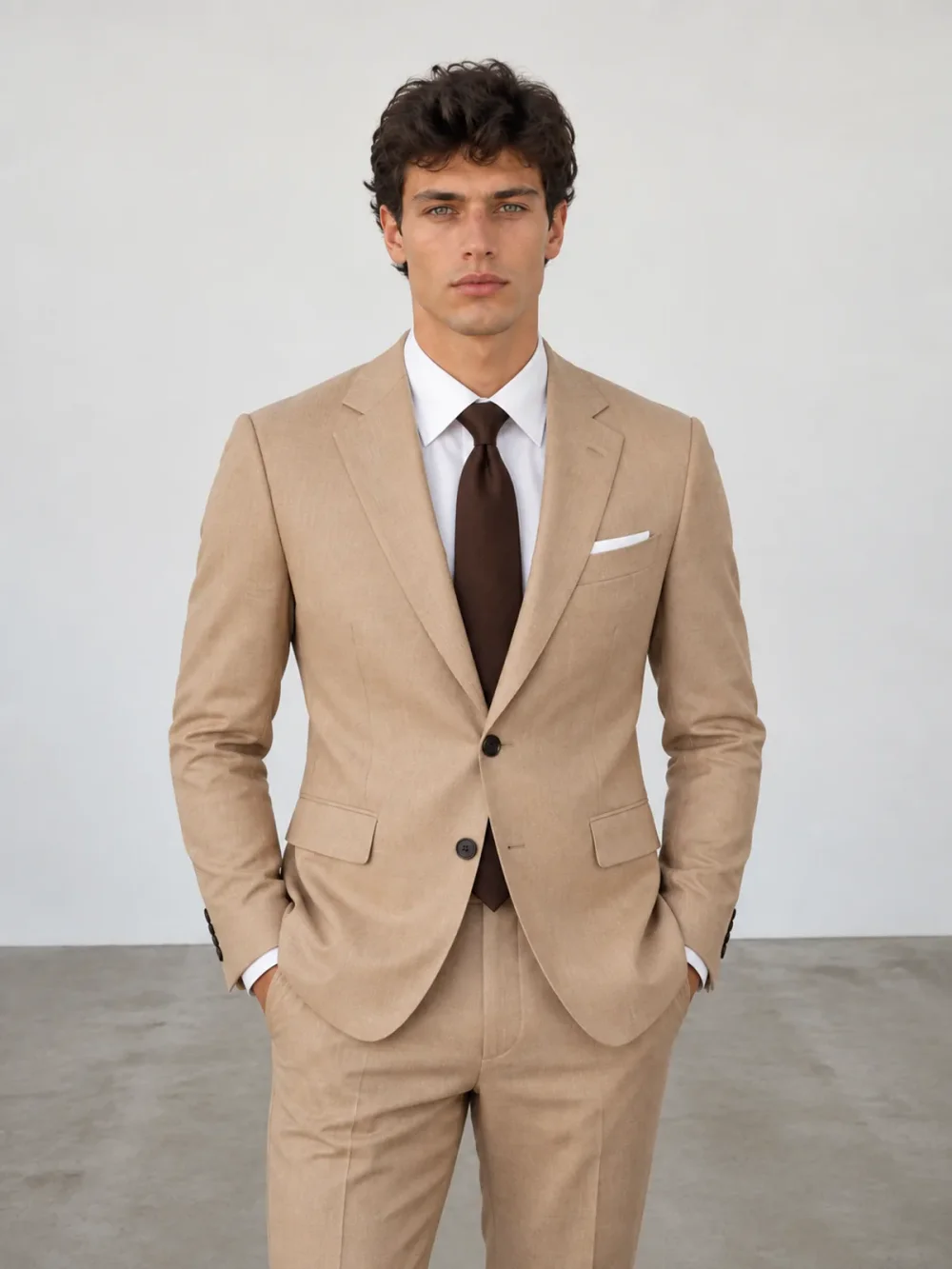
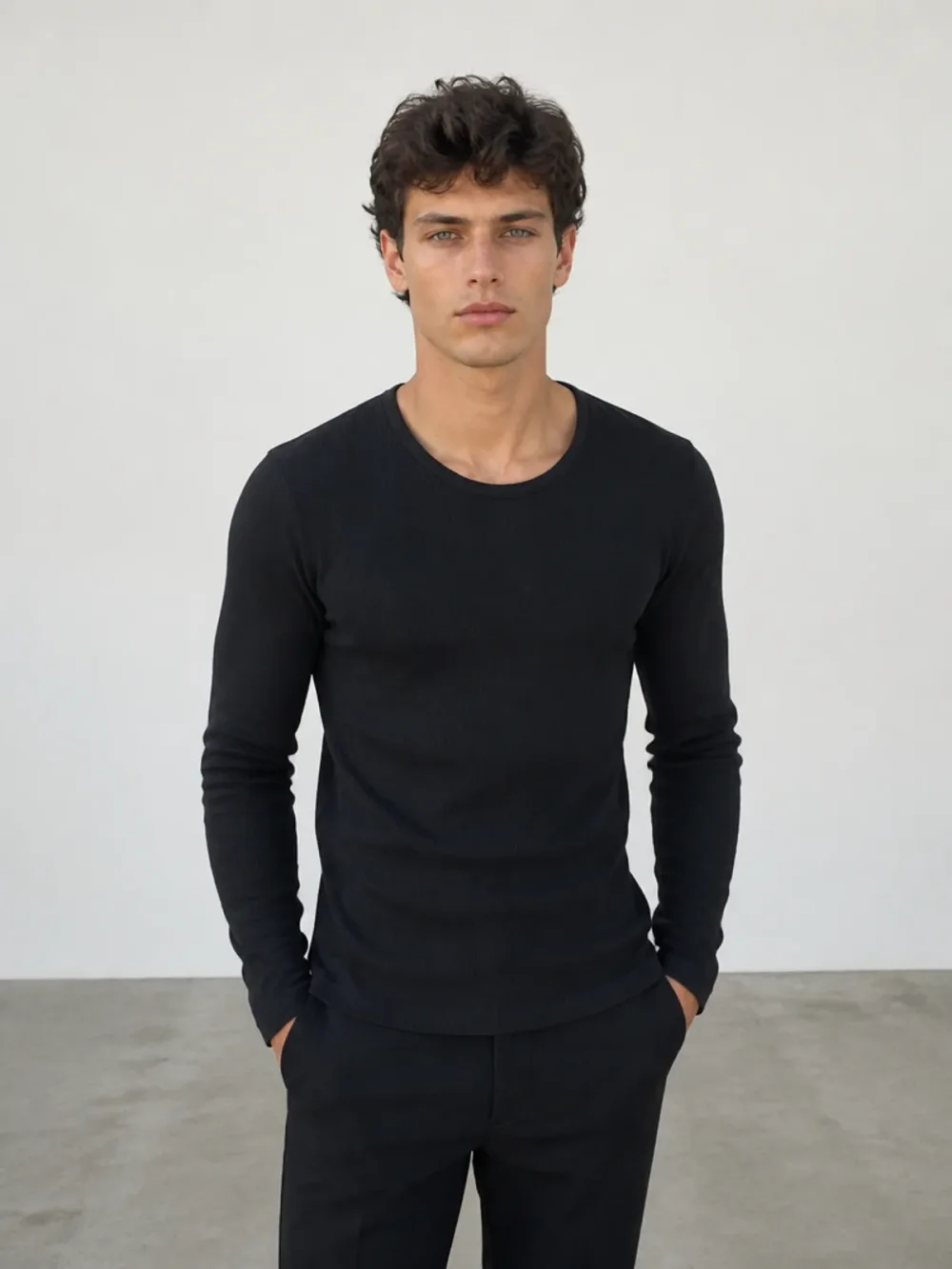
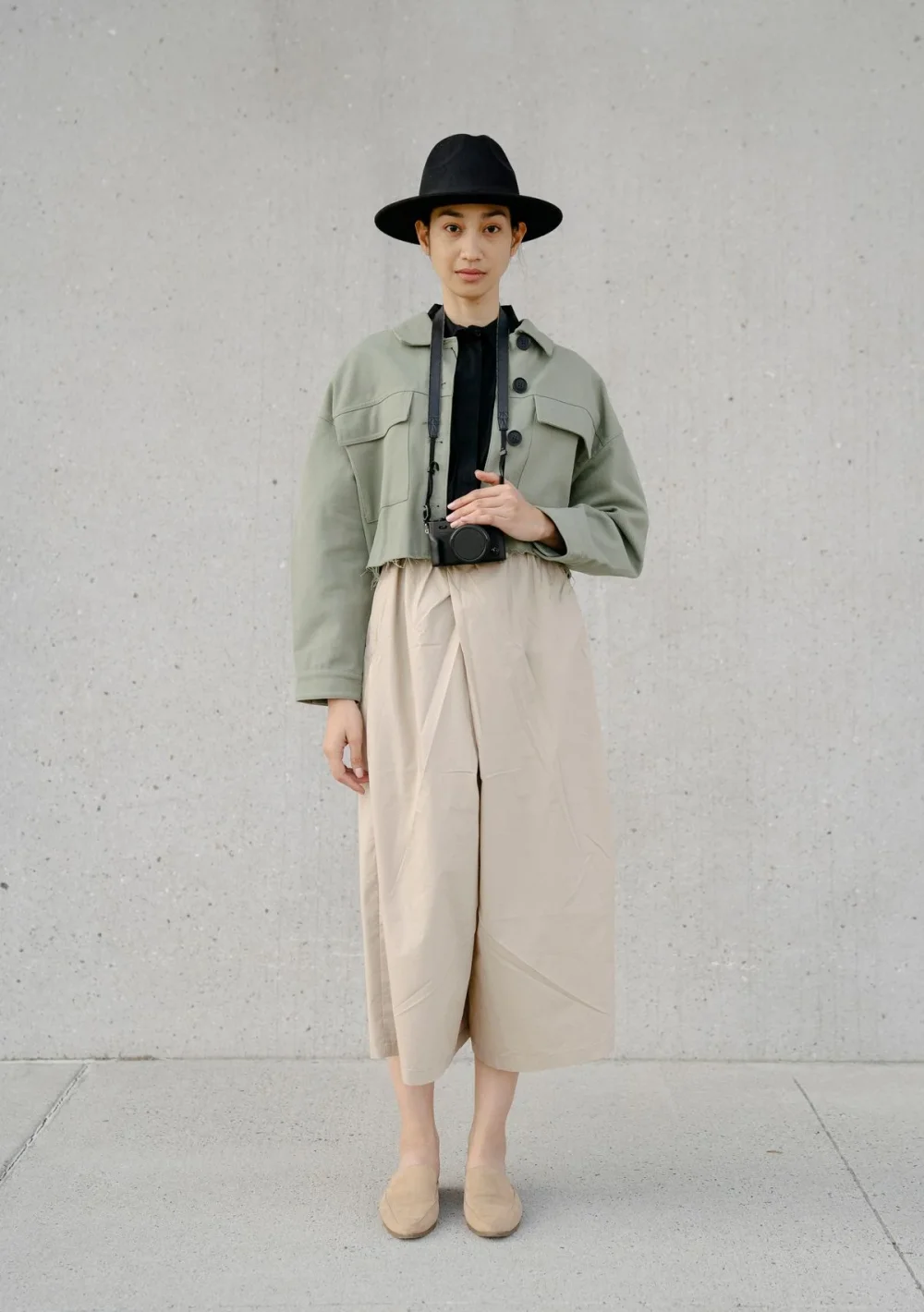
From a black top to a considered, tailored look.
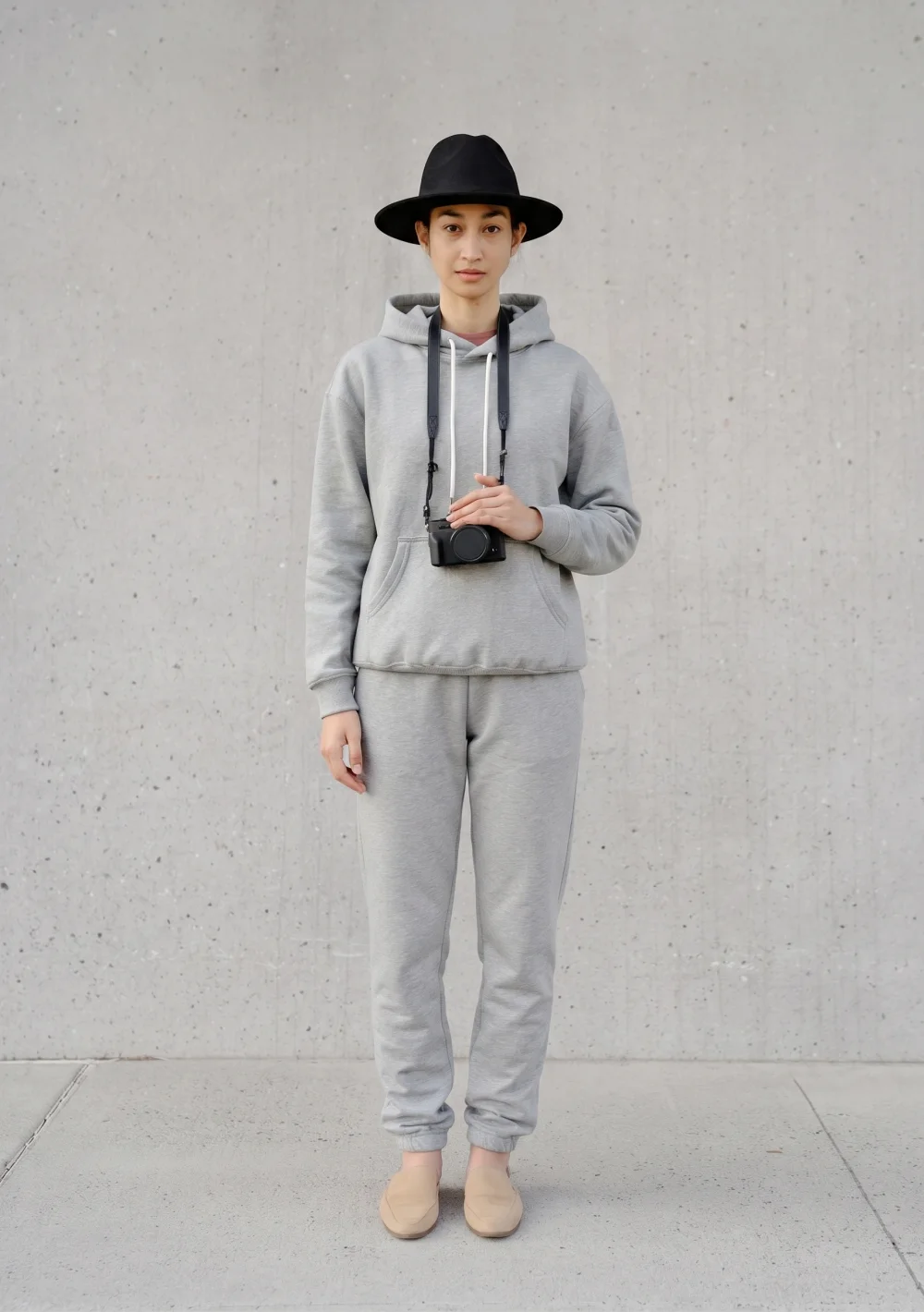
A relaxed grey tracksuit. A fresh everyday mood.
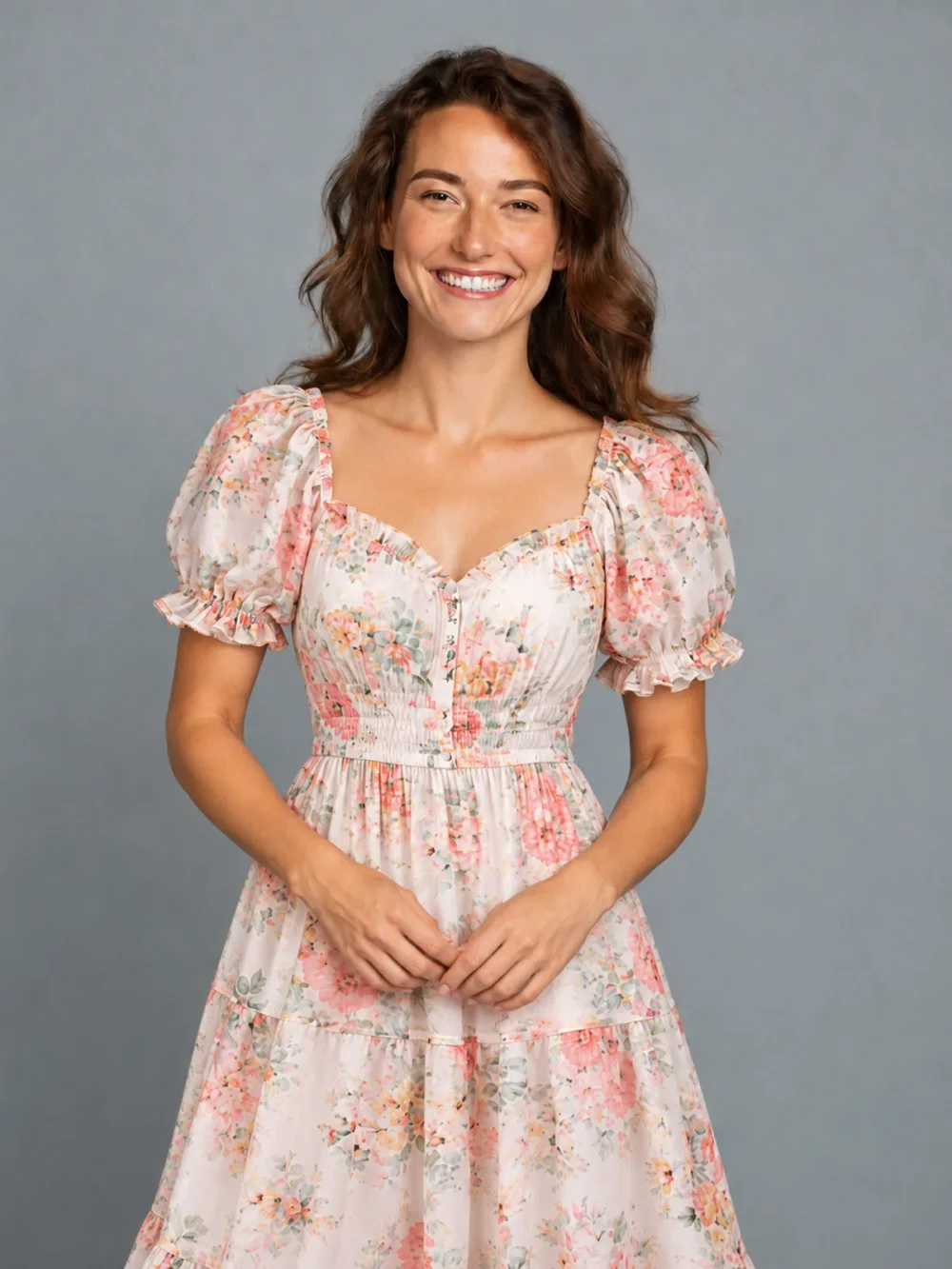
Swap an everyday tee for a light floral dress.
External style examples for comparison. Results from your own photo will vary.
Upload a clear photo of yourself. Natural light and a visible outfit make a great starting point. No need to register just to choose your photo.
Upload a second photo showing the outfit or accessory you want to try. For Hairstyle, just choose a photographed haircut: no second upload needed. Your own portrait guides your identity, pose and background.
Generate a still image, compare it with your original and download your favorite. Want a little movement? Make a GIF from the result as a separate step.
Use our AI clothes changer to explore the outfits you would love to try, right from your browser. Start with your own portrait, then upload an everyday layer, a tailored suit or a fresh accessory. This is a place for personal style experiments, outfit inspiration and a little creative fun.
Explore complete outfits, hairstyles, hats, bags, shoes and pants in one studio. Create a single change or combine several categories in one image. AI results are creative interpretations: colors, garment details and fit can vary, so use them for inspiration rather than a precise shopping or fitting decision.
You can change your outfit and hairstyle in one photo using the optional hair switch in Outfit. You do not need a new wardrobe to explore a new direction. The studio brings six styling categories into one place: Outfit, Hairstyle, Hat, Bag, Shoes and Pants. Upload your portrait and a photo of the clothing or accessory you want to try. For Hairstyle, only your own upload is needed: choose the haircut from the photo collection. Enable Also change hairstyle in Outfit if you want a new haircut with the clothing change. Other categories are available through their own tabs.
Try a tailored look, a relaxed everyday layer or a new evening mood. Start with one outfit to see how a different silhouette changes the feel of your photo. You can experiment with a style you already love or step outside your usual wardrobe without arranging a photo shoot.
Browse photographed hairstyles, filter the collection and choose the cut that catches your eye. A reference helps describe the shape and length you want. Your own portrait remains the identity reference: the aim is your face with a different hairstyle, rather than replacing you with the person in the example.
Sometimes an accessory is enough to change a look. Explore a hat or bag on its own before combining it with an outfit. Keep your head and shoulders visible for hats, and leave space around your upper body for a bag. Hands and straps can be difficult for AI, so always inspect those details.
Use a full-length portrait with both legs and shoes visible when you want to try a different lower-half look. A cropped selfie cannot show footwear that sits outside the frame. Choose shoes or pants separately, or combine them with an outfit to explore a complete head-to-toe direction.
 STYLE INSPIRATION · ILLUSTRATION
Upload a hat reference with a clear brim and crown, and use a portrait with your head uncovered. Try a cap, beanie or sunhat while keeping the rest of your styling familiar.
Open hat changer ↗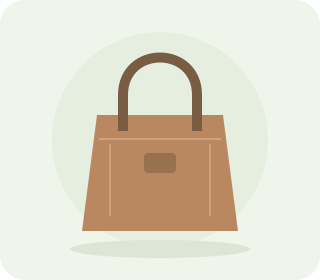 STYLE INSPIRATION · ILLUSTRATION
Use a bag reference with visible straps, shape and material, and leave room beside your torso in the portrait. Check the handle and strap placement when comparing the result.
Open bag changer ↗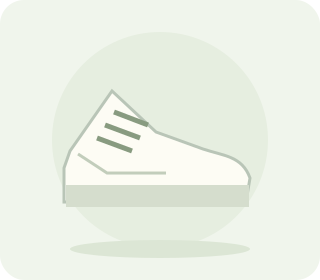 STYLE INSPIRATION · ILLUSTRATION
Start with a full-length photo that includes both feet, then upload a clear footwear reference. Compare the shoe shape, color and relationship to your trousers before saving.
Open shoes changer ↗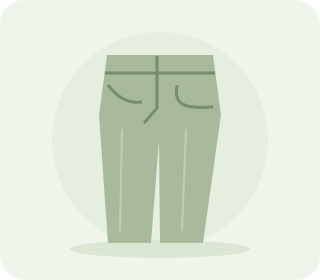 STYLE INSPIRATION · ILLUSTRATION
Keep your waist, legs and hems visible and upload the pants you want to try. A straight pose helps you compare wide-leg shapes, casual denim or a more tailored direction.
Open pants changer ↗Face a window or use soft, even lighting. Choose a sharp photo of one fully clothed adult and avoid strong filters, mirrors full of reflections or heavy shadows across the face. Keep the area you want to change inside the frame. A straight-on pose with your arms slightly away from your torso makes clothing easier to interpret.
Upload JPEG, PNG or WebP files up to 10 MB. On a computer, you can select a local file or pair your phone by scanning a QR code. The phone link is temporary and only transfers a photo to the waiting studio; it does not sign the phone into your account or start a paid generation.
Move the comparison slider across your original and the result. Look at the neckline, sleeves, hands, hairline and edges of accessories. Save a version you like, then try another direction from the original photo. Keeping a consistent starting image makes it easier to compare styles fairly.
AI styling is an imaginative preview, not a measurement of physical fit. Fabric, seams, colors and small details may differ from real garments. Use your images for personal inspiration and sharing an idea; check actual sizing and product details before making a purchase.
First create a static outfit image and check that you like the styling. Then choose Make a GIF on that result. The animation uses the completed outfit as its reference, with instructions for a slow turn, side views and a view of the back before returning to the starting pose. The camera should stay steady while the person moves naturally.
This extra step costs 30 credits, in addition to the 10-credit still image. Animation can take longer. If the job fails or its output does not pass safety checks, the reserved credits are returned automatically. You can keep using your still image while deciding whether to animate it.
A single photograph does not reveal the back of a jacket or every side of a hairstyle. The animation interprets those unseen areas from the visible outfit. Details can vary between frames, so view the GIF as a playful style preview. It is not a verified reconstruction of a real garment or your body.
Download the finished image or GIF on your computer, or open a temporary download link by scanning its QR code with your phone. Free results keep their watermark when transferred. Only share a download link with someone you intend to receive that file; anyone holding the active link can access that one result until it expires.
Start with 10 free credits every day. Keep exploring when you find your rhythm.
200 credits each month. Unused subscription credits expire at the end of each billing period.
800 credits each quarter. Unused subscription credits expire at the end of each billing period.
3,500 credits each year. Unused subscription credits expire at the end of each billing period.
10 free credits daily. No card required. Reset at midnight UTC.
Everything you need to know
about your next style experiment.
It creates a new version of your portrait with a different outfit or accessory. Upload your portrait and a second photo of the clothing or accessory you want to try, keep your original photo, and compare the finished image. It is a creative styling tool for personal entertainment, rather than a guarantee of how a garment will fit.
Yes. Every account receives 10 free credits each day without a payment card. A static image costs 10 credits. Daily credits reset at 00:00 UTC and do not carry over. Select a photo before creating an account; sign in when you are ready to generate.
Use a clear, well-lit photo of one adult with their face and the relevant clothing visible. A full-length picture works best for pants and shoes. Avoid crowded backgrounds, heavy blur and objects covering the outfit. Upload JPEG, PNG or WebP files up to 10 MB.
Explore complete outfits, hairstyles, hats, bags, shoes and pants. Upload a clothing or accessory reference for Outfit, Hat, Bag, Shoes or Pants. For Hairstyle, upload only your own photo and select a haircut from the photo collection. In Outfit, you can optionally change your hairstyle in the same image. The tool is designed to preserve your face, pose and background, although AI results can vary.
Yes. Start with a static result, then choose Make a GIF on the result page. The animation requests a slow turn showing side and back views, keeping the completed outfit. Unseen details are AI interpretations. GIF creation is a separate action costing 30 credits and can take longer than a still image. You can download the finished animation and share the downloaded file.
Credits are reserved before generation. If the provider reports a failure or a result fails safety screening, that reservation is refunded automatically. Repeating the same request does not charge you twice. Credits that have already reached their scheduled expiry cannot be carried into a new period.
Your uploads and generated results are private to your account. Only upload a picture of yourself or an adult who has given permission. Both uploads and results must pass checks for adult content and minors. This service does not support nudity, removing clothes or changing body shape.
Free accounts receive watermarked results. Active subscriptions and accounts with purchased credits can create or unlock results without the service watermark. One-time credit purchases never expire. Subscription credits expire at the end of their monthly, quarterly or yearly billing period. Credits with the nearest expiry are used first, so daily credits are spent before permanent purchases.
Yes. Choose Upload from your phone in the studio, then scan the QR code with your phone camera. Keep the computer window open while you select a photo and confirm adult-only use on your phone. A successful safety check sends the photo to the waiting studio. This temporary link does not log your phone into your account, and photo transfer does not use credits.
Open a completed result on your computer and choose Scan to download on phone. Scan the temporary code and save the image or GIF from the phone page. The link expires after ten minutes and closes when you close its window on the computer. It grants access only to that result; keep it private because anyone with the active link can download the file.
A single photo cannot reveal every surface of an outfit. The turnaround animation uses your finished image as a reference and interprets side and back details. It aims to keep clothing, identity and lighting consistent, but motion and unseen details can vary. Treat it as a creative animation rather than a 3D scan or a product fit guarantee.
Yes. In Outfit, enable Also change hairstyle and select a photographed haircut. Upload your portrait and one outfit reference as usual; no additional hair upload is needed. The outfit and selected haircut are created together in one static image for 10 credits. Leave the option off to keep your original hairstyle. Other items have their own tabs.
Your daily free credits are waiting. No card required.
Find my next look