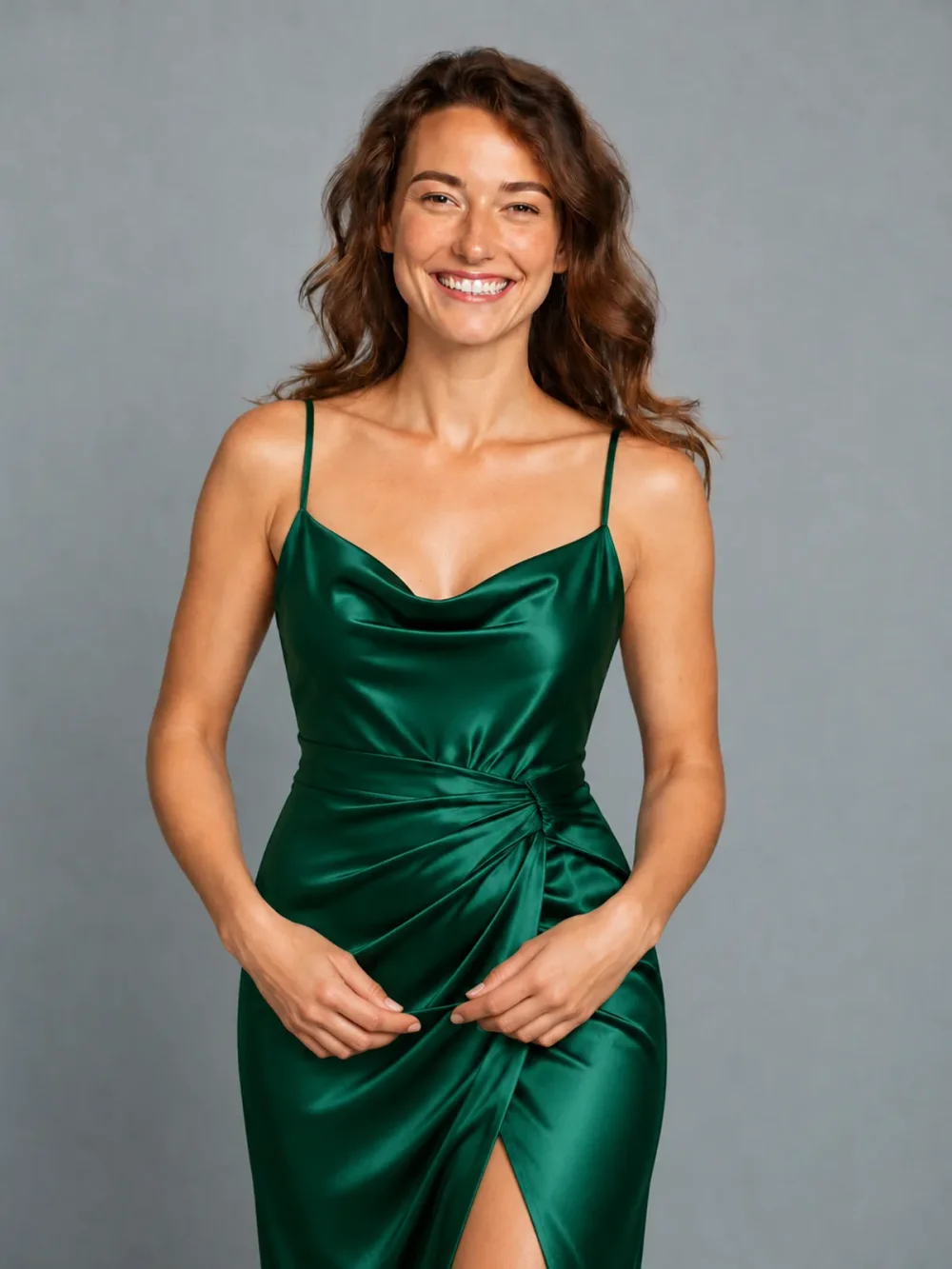
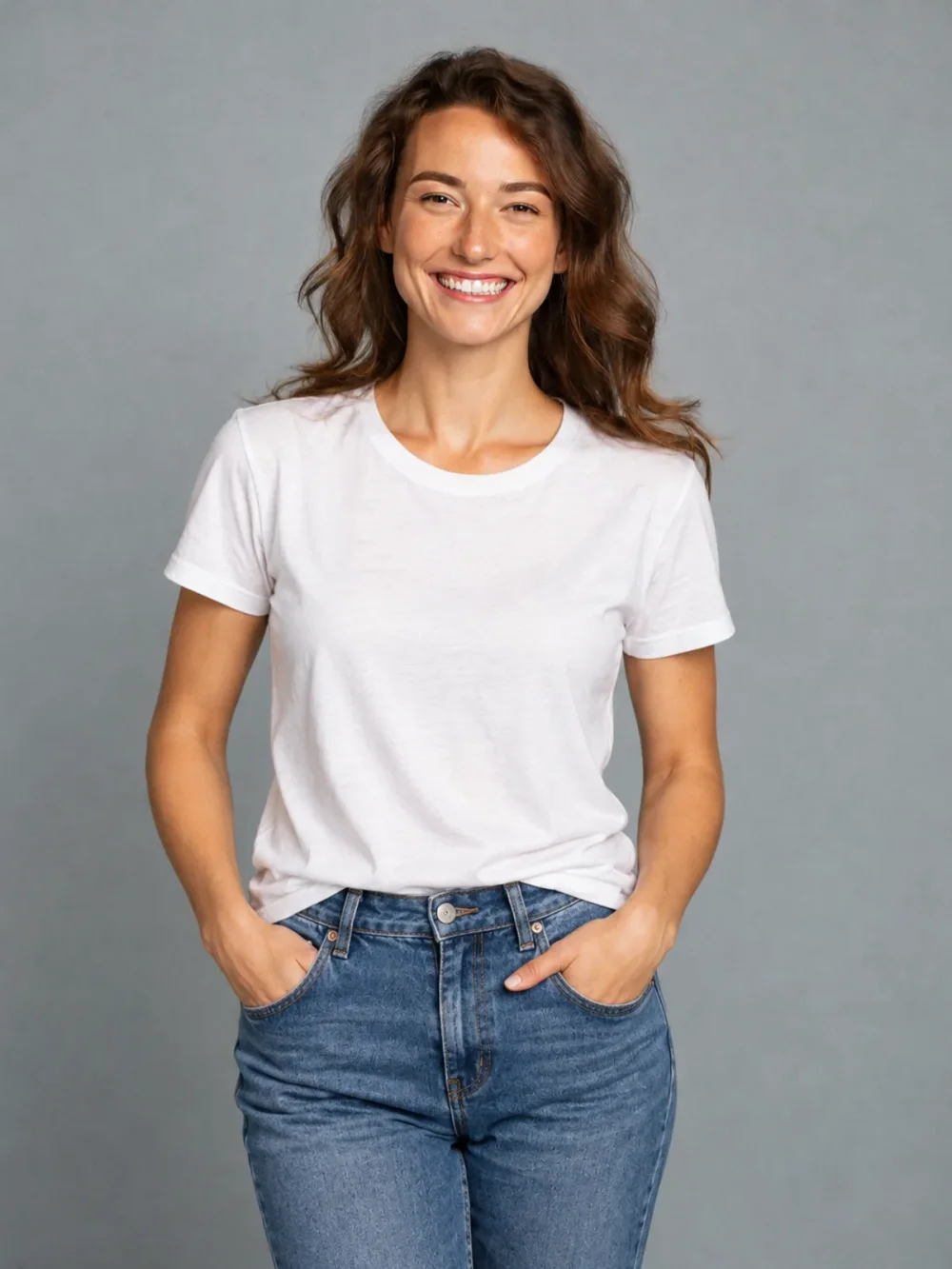
Everyday to evening
↗A simple tee, reimagined as an emerald satin dress.
Turn a small style idea into a photo you can compare with your original. This outfit changer gives you a simple place to try everyday layers, considered accessories and smarter clothing combinations.
Everyday to evening
Drag the slider to compare ↔External reference examples, not results generated by this application. Your result may differ.Upload your portrait and one outfit reference. Choose the clothing you want to see on yourself.
Open the AI Outfit Changer tool ↗Use a clear product photo or a fully clothed adult wearing the item. We use the selected item’s design, color and details, while keeping your identity.
Same portrait. A fresh perspective.
Drag the sliders to see the difference.
A simple tee, reimagined as an emerald satin dress.
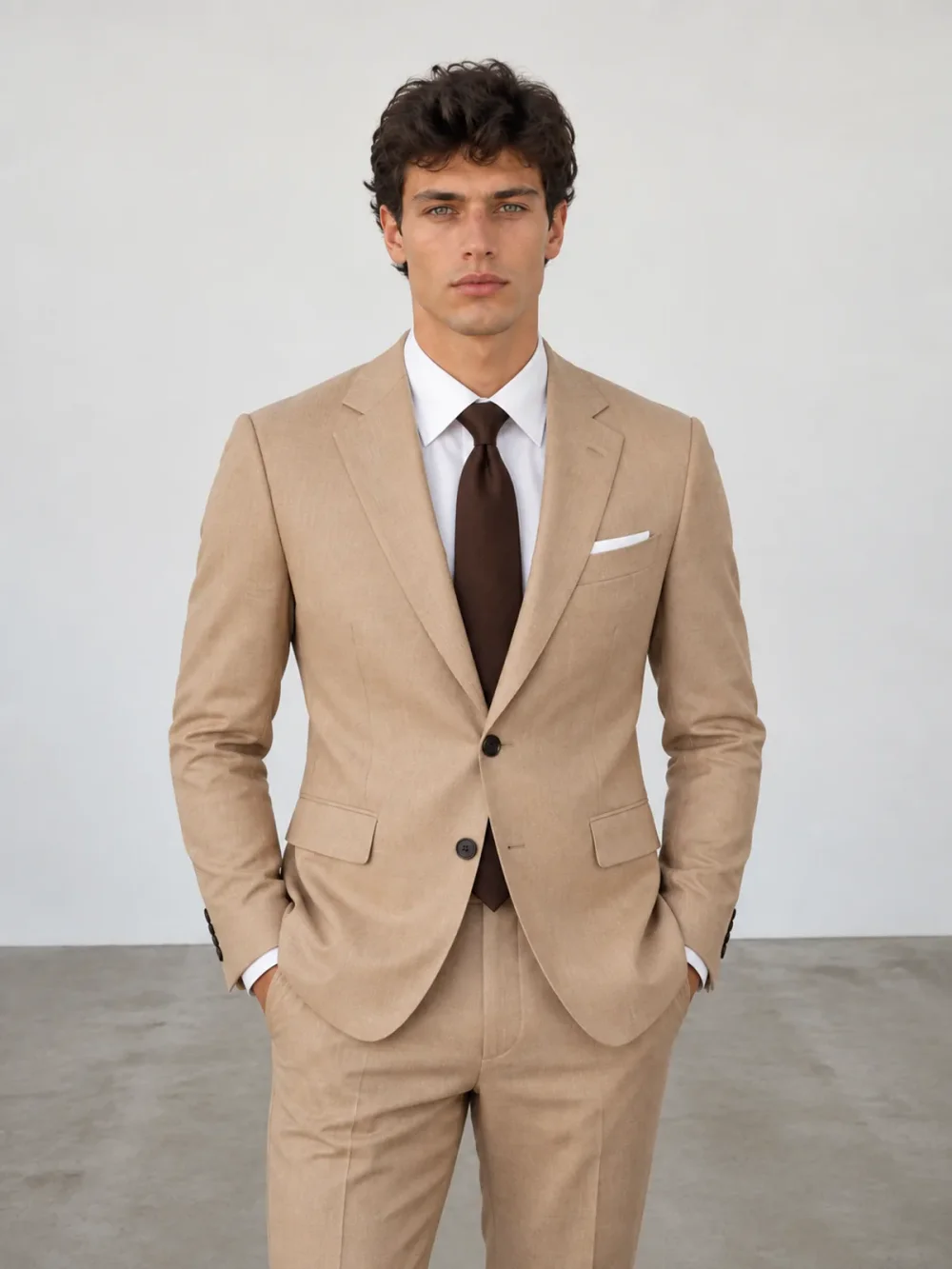
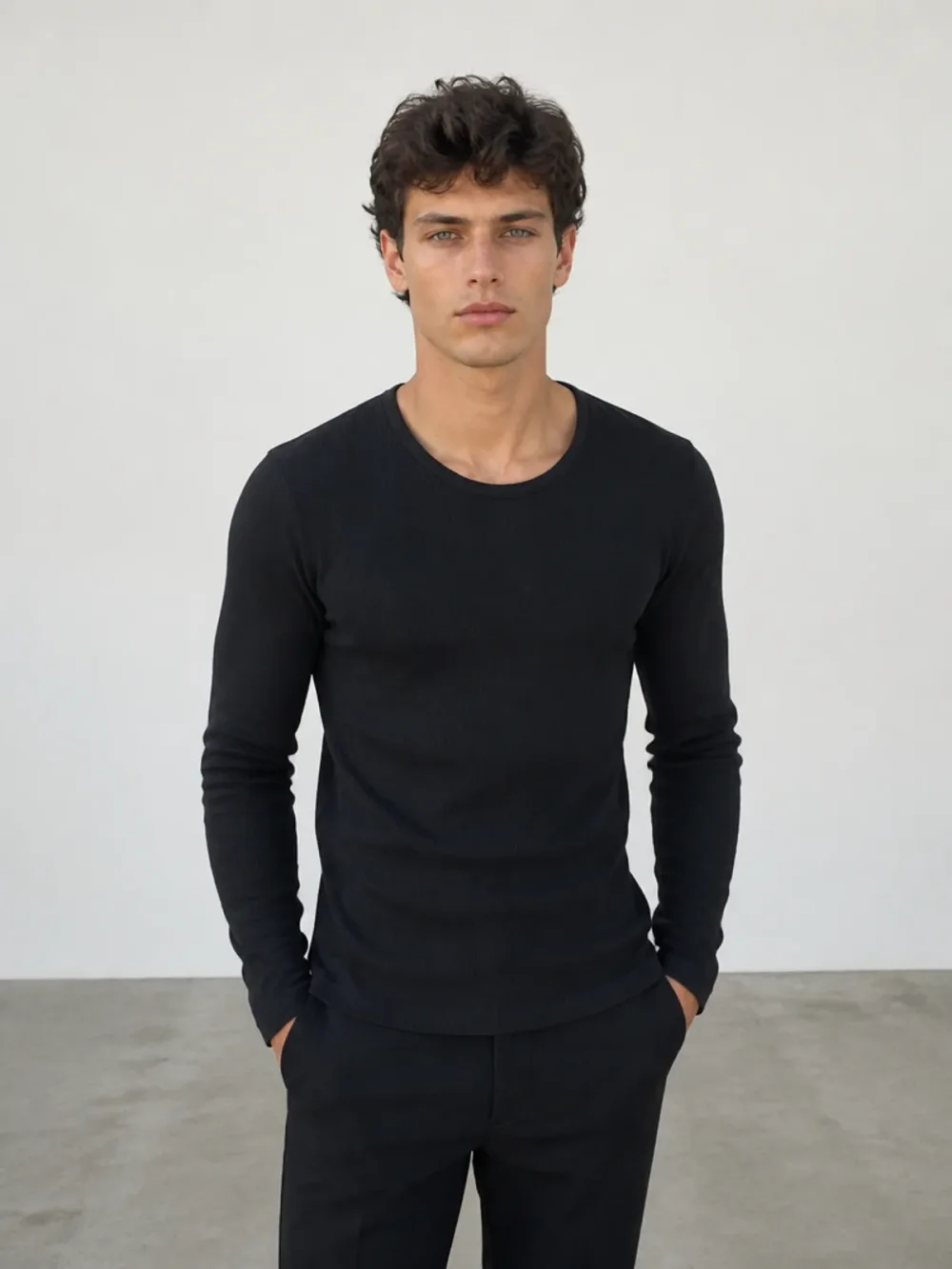
From a black top to a considered, tailored look.
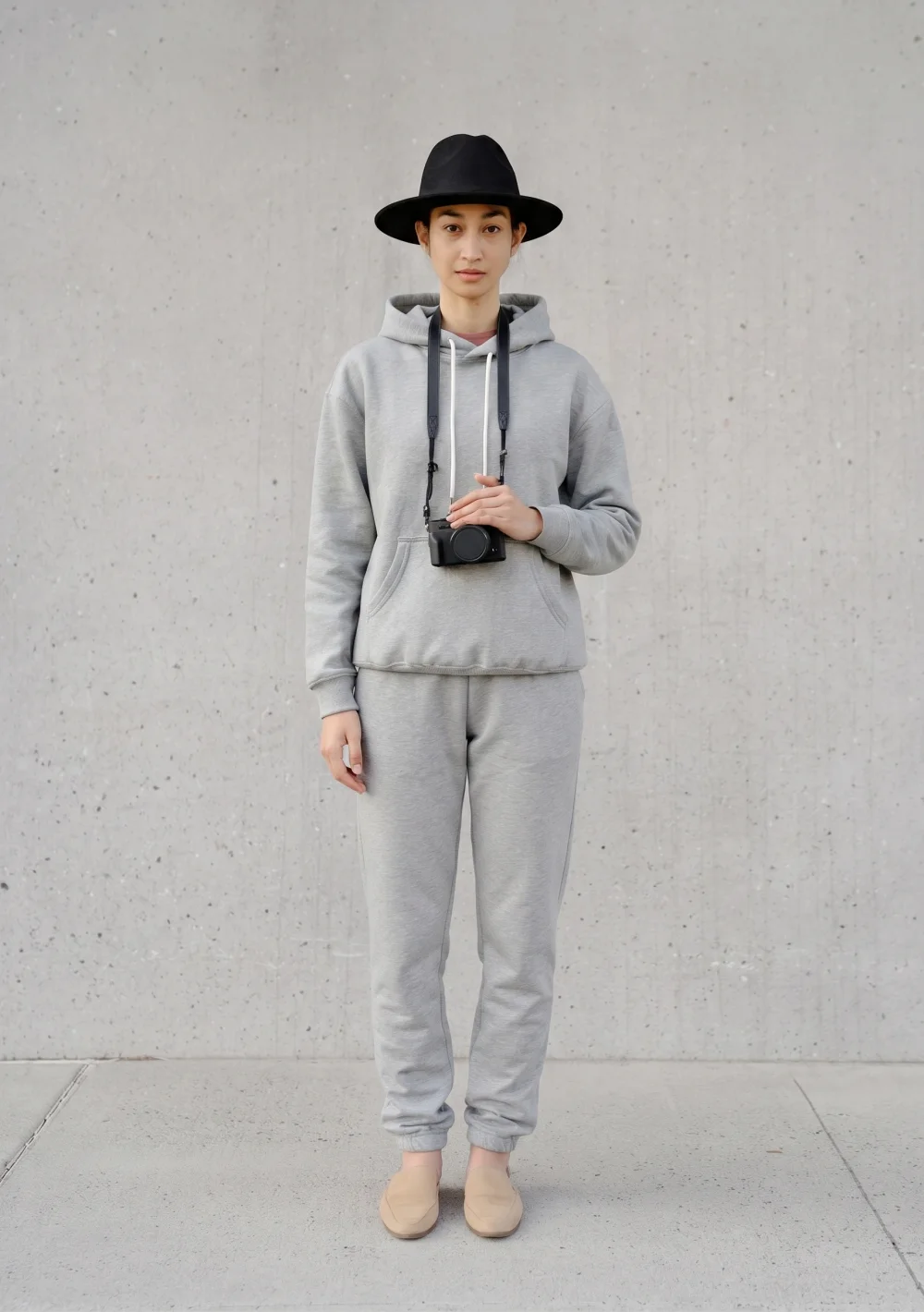
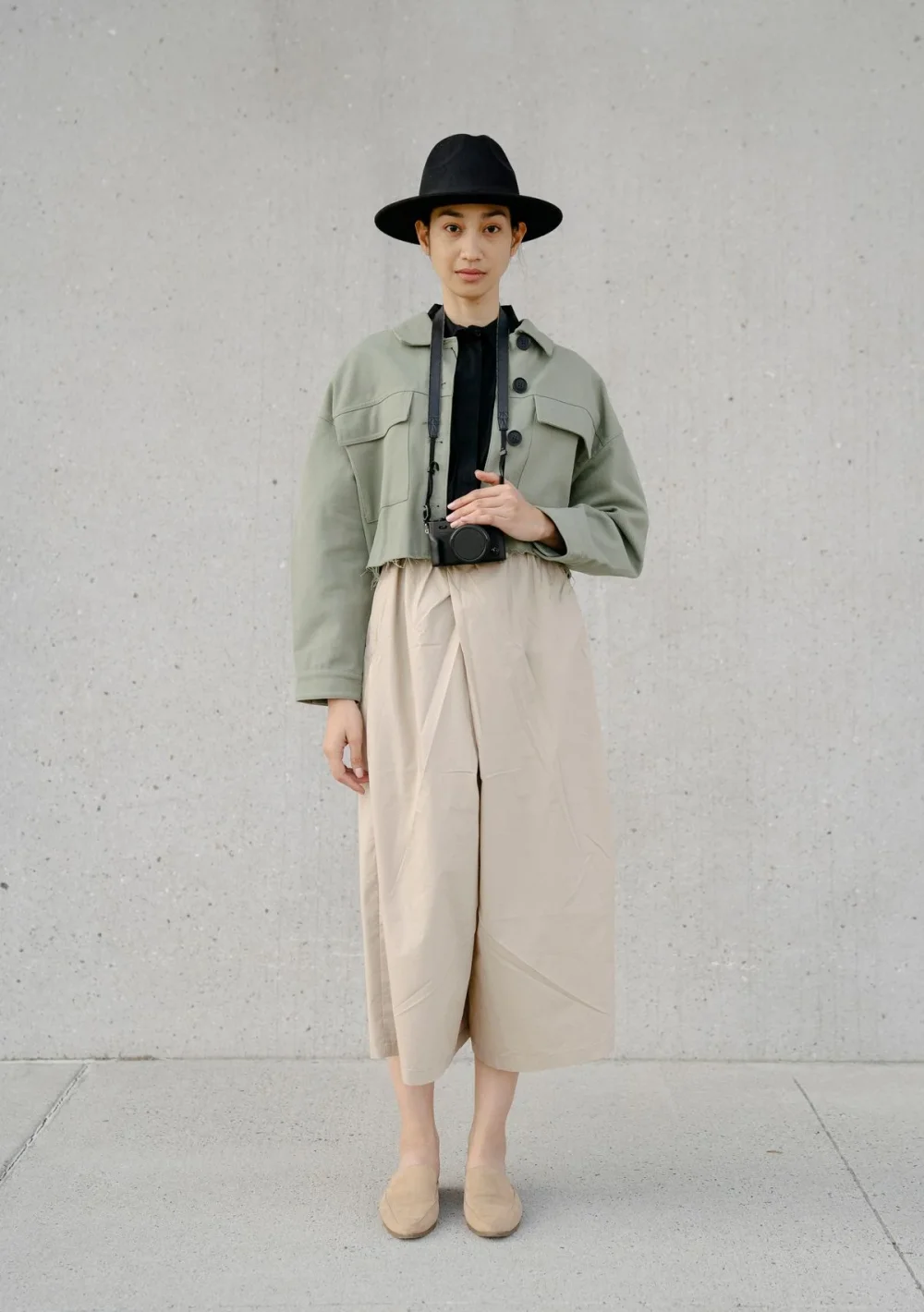
A relaxed grey tracksuit. A fresh everyday mood.
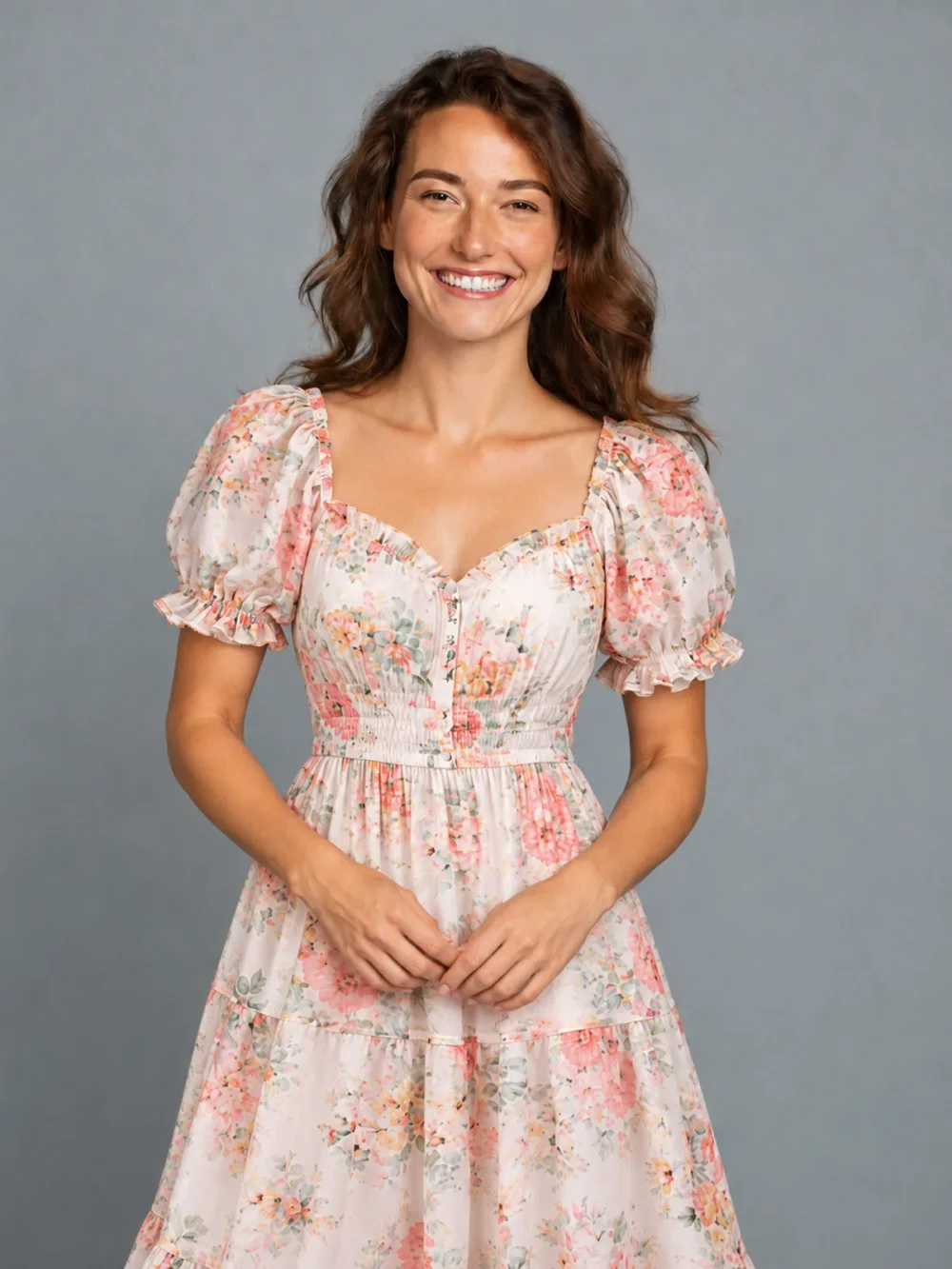
Swap an everyday tee for a light floral dress.
External style examples for comparison. Results from your own photo will vary.
Turn a small style idea into a photo you can compare with your original. This outfit changer gives you a simple place to try everyday layers, considered accessories and smarter clothing combinations.
Choose an item’s tab for a small update, or use Outfit with a complete clothing reference for a broader direction. Its optional hair switch adds a photographed haircut to the same image. AI can reinterpret textures, colors and fit, so treat the image as a starting point for a style experiment.
You do not need a dramatic transformation to find a useful outfit idea. Perhaps you want to see a lighter jacket, a different trouser shape or a more relaxed pair of shoes in a familiar photo. Start with that specific question and choose a reference that answers it clearly. An everyday portrait provides context for the experiment: your usual pose, lighting and surroundings. Keeping that starting point consistent makes the comparison easier to understand than changing the clothing, background and camera angle all at once.
A saved product image or a photograph from your own wardrobe can supply the clothing direction. Make sure the garment is not hidden behind another item or compressed into a tiny corner. Neutral lighting helps communicate its color, while a clear edge helps communicate its shape. Your own portrait needs room for the item too. A close-up selfie may work for a hat, but it cannot show a new pair of shoes. For trousers and a full outfit, use an adult standing naturally with legs and feet visible.
Try one direction, inspect the image and then decide what to vary next. You might compare casual layers against a smarter outfit, or see whether one accessory changes the mood enough on its own. Use the slider to look at the same part of the picture in both versions. For a complete clothing direction, open Outfit and provide one reference showing the look. Add a haircut with its optional Also change hairstyle switch if you want that change too. The portrait stays the identity guide, while a chosen haircut can come from the photographed hairstyle collection without another user upload.
The most useful outcome is often a clearer sense of what you would like to explore next. An AI outfit picture cannot certify tailoring, comfort, fabric quality or physical fit. Details can drift, especially around hands, layered clothing and small accessories. Save the images that communicate a direction you like and keep the originals for comparison. Results stay out of a public gallery. You can download the approved file directly or scan a short-lived phone link, then decide whether to share that saved file with someone you trust.
No. The clothing photograph communicates the direction. You choose a category such as Outfit or Pants rather than writing a detailed styling prompt or naming technical garment construction.
Yes, if it is clear, well lit and shows one fully clothed adult. Avoid blur and heavily filtered pictures. A full-length image gives you more flexibility for shoes and trouser changes.
You can, but a focused first comparison is often easier to judge. Start with one item’s tab. When you want a complete clothing direction, open Outfit with the appropriate reference and optionally add a photographed haircut using the hair switch.
The studio has an Upload from your phone option. Scan its temporary QR code, confirm adult-only use and select a photo. Keep the computer’s transfer dialog open while the screened image is sent to the waiting studio.
No. Results are not published in a public gallery. Ordinary result links require your account. A separately created temporary phone download link permits access to that one file, so keep its active link private.
Daily free credits expire at midnight UTC. Subscription allocations expire at the end of the period in which they were issued. One-time credit packs do not expire; the account uses the nearest-expiring available credits first.